
Written by: Matt Beucler, CEO, Plura AI
Updated September 2026
Key Takeaways For Real Estate Lead Response
- Lead response time starts the moment an inquiry is submitted, and top-performing teams target a sub-5-minute first touch.
- Responding within 5 minutes can make a lead up to 100 times more likely to connect and 21 times more likely to qualify than a 30-minute delay.1
- Most CRMs log notification time instead of true lead creation time, so reported averages often understate the real response lag.
- 62% of real estate inquiries arrive after hours, and without automation these leads convert at roughly one-third the rate of business-hours leads.1
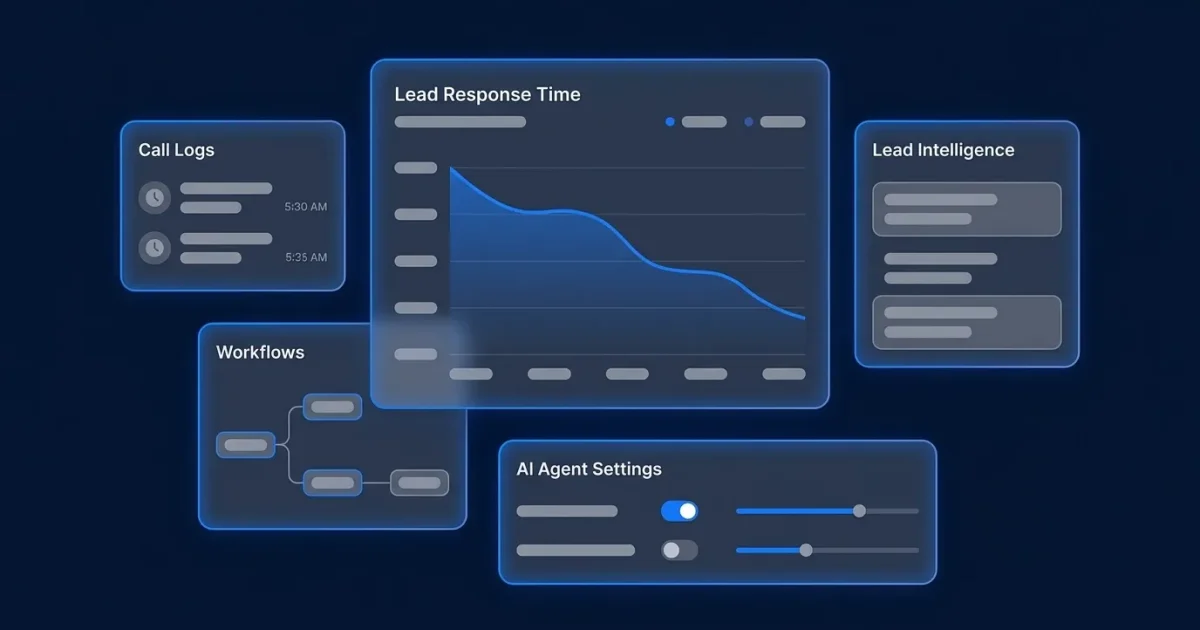
- Plura AI delivers sub-5-second responses across voice, SMS, and webchat with stateful conversation history; see how it closes the response gap in real time.1
Real Estate Lead Response Time Benchmarks
The table below shows how sharply contact and qualification odds fall as response time increases, from the under-5-minute gold standard to leads that are effectively lost after 24 hours. Every figure is drawn from named industry research.
| Response Time Band | Label | Contact and Qualification Impact |
|---|---|---|
| Under 5 minutes | Gold standard | Up to 100x more likely to connect and 21x more likely to qualify than a 30-minute response, per the MIT and InsideSales.com Lead Response Management Study1 |
| 5 to 15 minutes | Acceptable | Contact probability begins declining, but still sits meaningfully above the most widely cited average real estate lead response time of 917 minutes (over 15 hours), drawn from a single 2014 WAV Group study that many later surveys reference2 |
| 15 to 60 minutes | At risk | Waiting 10 minutes instead of 5 slashes qualification odds by 4x. Portal leads are especially sensitive because the same inquiry goes to multiple agents simultaneously. |
| 1 to 24 hours | Cold | A 2011 Harvard Business Review study found firms responding within 1 hour were 7x more likely to qualify a lead than those responding at 2 hours, and 60x more likely than those responding at 24 hours2 |
| 24 hours or more | Lost | A lead first contacted on day 2 converts at roughly 40% the rate of a lead contacted within the first hour. By day 3 that figure drops to 25%. |
The 60-second threshold carries its own data point: calling a lead within 1 minute of inquiry produces a 391% improvement in contact and conversion rate compared to calling two minutes later, per Velocify’s lead response research (now ICE Mortgage Technology).1 For the full statistics picture, see Plura’s lead response time statistics roundup.
How To Measure Lead Response Time In Your CRM
Most teams discover their reported average response time differs from what buyers actually experience. CRM configuration and timestamp behavior explain most of that gap.
Where the timestamp lives and why it is often wrong:
- Follow Up Boss includes a speed-to-lead report showing average response time by agent and by source, plus a contact rate report showing the percentage of leads contacted within 5, 15, 30, and 60 minutes. Attribution accuracy depends on leads being entered with correct source data, and manual entry errors are common. The “first touch” logged in Follow Up Boss is the first outbound call, text, or email after lead creation. Internal notes and CRM status changes do not count.
- kvCORE (now BoldTrail) fires near-instantly via its native webhook when a lead record is created. The standard Zapier kvCORE app uses a polling trigger that checks every 5 to 15 minutes. A team wired to Zapier may see a 15-minute lag between lead creation and any downstream automation. That lag consumes most of the 5-minute speed-to-lead window before a call is ever placed and shows up as agent delay in the report.
- Portal inboxes often log the notification time instead of the agent’s actual first contact. A Zillow lead who calls an agent’s Google Voice number is invisible to kvCORE’s missed-call trigger unless the contact is manually imported first, which creates a measurement gap for phone-based leads.
How to audit your actual number this week:
- Pull the last 20 to 50 leads from your CRM across all sources.
- Timestamp lead arrival as the moment the inquiry hit the system, never when someone opened it.
- Timestamp the first outbound reply, whether human or AI. Internal notes and status changes do not count.
- Compute the median, not the average. The median shows what a typical lead actually experienced.
- Count silences: how many of those leads received no reply within 72 hours. The WAV Group Agent Responsiveness Study found 48% of buyer inquiries were never responded to at all.
If your median is past 60 minutes, wire first-touch automation this week and re-measure at day 30. A drop from multi-hour lag to under 5 minutes usually produces a visible conversion lift within 60 to 90 days.
See how Plura’s stateful conversation history eliminates the CRM logging gap.
What Happens To Real Estate Leads That Come In After Hours
62% of real estate inquiries are submitted outside traditional business hours, with peak inquiry times at 6 to 9 PM on weekdays and Saturday mornings from 9 AM to noon, per NAR and Zillow Group consumer data.1 Despite representing 58.4% of inbound volume, after-hours leads generate only 22% of booked appointments under traditional staffing models.
A concrete after-hours plan uses three connected steps that keep buyers engaged overnight and hand them to agents with context in the morning.
- Text-first contact within seconds. Speed keeps an after-hours lead from moving to a competing agent. Agents using automated SMS acknowledgment firing within 60 seconds of lead submission achieved contact rates on after-hours leads comparable to their business-hours contact rates. Without automation, after-hours leads converted at roughly one-third the rate of business-hours leads.
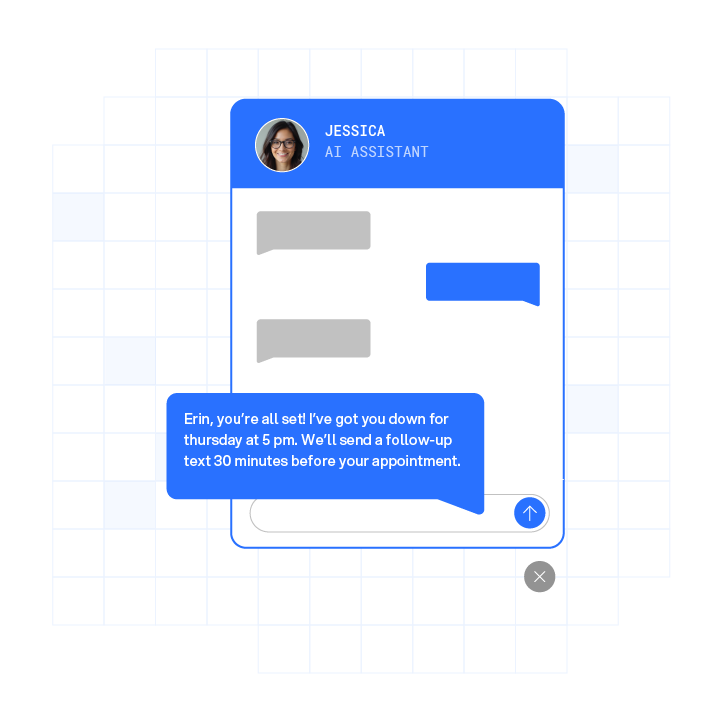
- Automated acknowledgment that is substantive. The first response should reference the specific property and propose a clear next step, such as a showing window or a quick call, so the buyer feels genuinely helped.
- A clear next-morning handoff. The AI captures qualification data, books the showing or consultation, and notifies the assigned agent with full context before business hours resume. The agent can then continue the conversation without asking the buyer to repeat details.
Those three components are hard to staff manually around the clock, which is where Plura AI fits. Plura’s AI voice agents answer every call on the first ring, 24/7. Plura’s AI SMS agents reply to every new lead in seconds and qualify buyers. They can also live transfer a warm prospect directly to an agent.
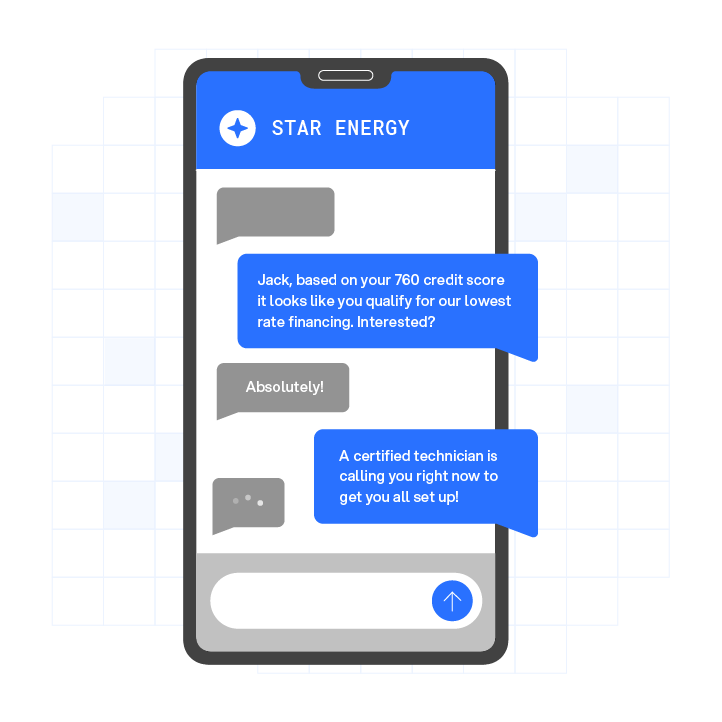
All channels share a stateful conversation database, so a lead who texted at 9 PM is recognized when the call comes at 9 AM, with full context intact. Plura contacts leads in under 5 seconds and delivers materially faster lead-response time than typical baselines. Plura’s CRM integration with Follow Up Boss logs every interaction to the same contact record agents already check, which supports compliance and reporting.
How To Set A Team SLA For Lead Response
An SLA (Service Level Agreement) in a real estate team defines the maximum time from lead arrival to first contact attempt. ManageLeads’ 2026 SLA guide recommends tightening in tiers. Start with a 10-minute SLA for teams using manual assignment. Move to a 5-minute SLA after implementing webhook-based lead ingestion and push notifications. Once compliance exceeds 80% for 30 or more days, tighten to a 90-second SLA. Setting a 90-second SLA on a team averaging 47 minutes produces a 100% breach rate on day one and erodes confidence in the system.
What to define in your SLA:
- The maximum response time in minutes, by lead source and time of day
- Who owns each lead type and what the escalation path is if the first owner does not act
- What counts as a first response (outbound call, text, or email only; not internal notes or status changes)
- Separate SLA windows for business hours and after-hours, because after-hours compliance requires different interventions
What to track weekly and how the metrics connect:
- Median response time per agent and per lead source, to see typical buyer experience
- Percentage of leads contacted within 5 minutes, to track speed-to-lead performance
- After-hours contact rate, to understand coverage when most inquiries arrive
- 24-hour no-contact rate (target below 5%), to surface true leakage
- Contact-to-appointment conversion rate, to tie speed improvements to revenue outcomes
Weekly review cadence: Pull breach data and turn it into coaching, not punishment.
- Which agents had the most breaches, and what were they doing at the time?
- What hour of day had the highest breach rate?
- Which lead sources had the highest breach rate?
- What happened to the breached leads?
Breach rates correlating with a specific portal often indicate an ingestion or routing problem for that source, rather than an agent behavior issue.
Plura’s CRM integration logs every AI and human interaction with a timestamp, giving team leads audit-ready data for this review. Plura’s conversation intelligence layer surfaces contact rates, response time distributions, and conversion patterns across every channel in one dashboard.
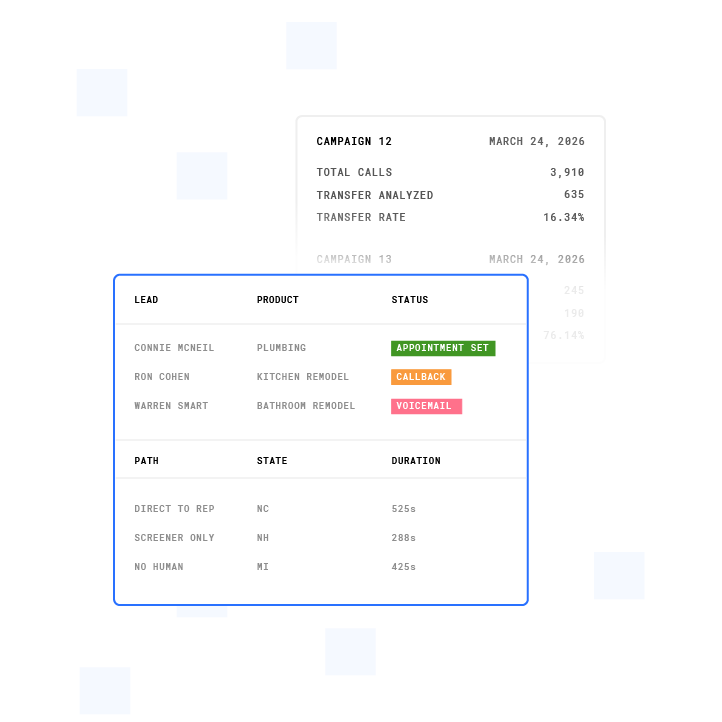
See SLA tracking and after-hours coverage in action.
Fix The Number You Are Not Tracking
Most real estate teams do not know their actual lead response time because their CRM logs first touch inconsistently and more than half their leads arrive after hours when no human is available. The audit method in this article takes less than an hour and reveals the median response time that buyers feel.
Plura AI contacts leads in under 5 seconds across voice, SMS, RCS, and webchat, 24/7, with stateful conversation history shared across every channel. Every interaction is audit-ready by default, which gives team leads the data to run a weekly SLA review without manual reconstruction and supports compliance efforts.
Run your numbers through Plura’s ROI calculator to check your ROI in real time. Compare plans and rates side by side on our pricing page.
1 Performance figures, customer outcomes, and industry statistics referenced in this article are drawn from cited third-party sources or Plura customer case studies. Individual results vary based on implementation, use case, industry, audience, and execution. Past or aggregate performance is not a guarantee of future results.
2 References to third-party products, services, companies, or research are made for informational and comparative purposes only. Plura AI is not affiliated with, endorsed by, or sponsored by any third party named in this article unless explicitly stated. Trademarks and product names referenced remain the property of their respective owners.
This article is provided for informational purposes only and reflects Plura AI’s understanding at the time of publication. Product capabilities, integrations, and specifications are subject to change. For the most current information, visit plura.ai.
This article was produced with the assistance of AI tools and reviewed by Plura AI prior to publication.