
Written by: Matt Beucler, CEO, Plura AI
Key Takeaways
- After-hours call answering connects callers with a live person or AI agent instead of voicemail during evenings, weekends, and holidays.
- Three main coverage models exist for after-hours: live virtual receptionists, AI receptionists, and basic IVR or voicemail systems, each with distinct cost and capability trade-offs.
- AI receptionists provide flat-rate 24/7 coverage with consistent pricing, which becomes more cost-effective than per-minute live services at higher call volumes.
- Strong after-hours setups rely on clear escalation rules, spam filtering, message capture, and cross-channel conversation memory so service quality stays consistent outside business hours.
- For high-volume after-hours call answering, see how Plura AI’s receptionist handles real calls across voice, SMS, RCS, and webchat.
What After-Hours Call Answering Is And How It Differs From Business-Hours Coverage
After-hours coverage is the window after your posted closing time, before opening, plus weekends and holidays. Three coverage models serve this window.
Live virtual receptionist: A human answers remotely from a call center. The agent follows your script, takes messages, and transfers calls per your instructions. Coverage depends on the provider’s staffing model and plan tier.
AI receptionist: An AI voice agent answers, qualifies, and books around the clock, with the same coverage at 3 AM as at 3 PM.
IVR (Interactive Voice Response)/voicemail: An automated menu with no live conversation. Research compiled by ZenOp in 2026 drawing on Forbes and Invoca data found that 85% of callers who reach voicemail hang up without leaving a message.3
After-hours coverage differs from business-hours coverage in three ways. No one is on site to triage. Escalation must follow rules instead of on-the-fly judgment. Caller urgency is often higher because the person chose to call outside normal hours. BIA/Kelsey data cited in ZenOp’s 2026 report shows that 35-40% of all calls to local businesses happen outside traditional business hours, rising to 45-50% for service businesses such as plumbers, electricians, and HVAC contractors.3
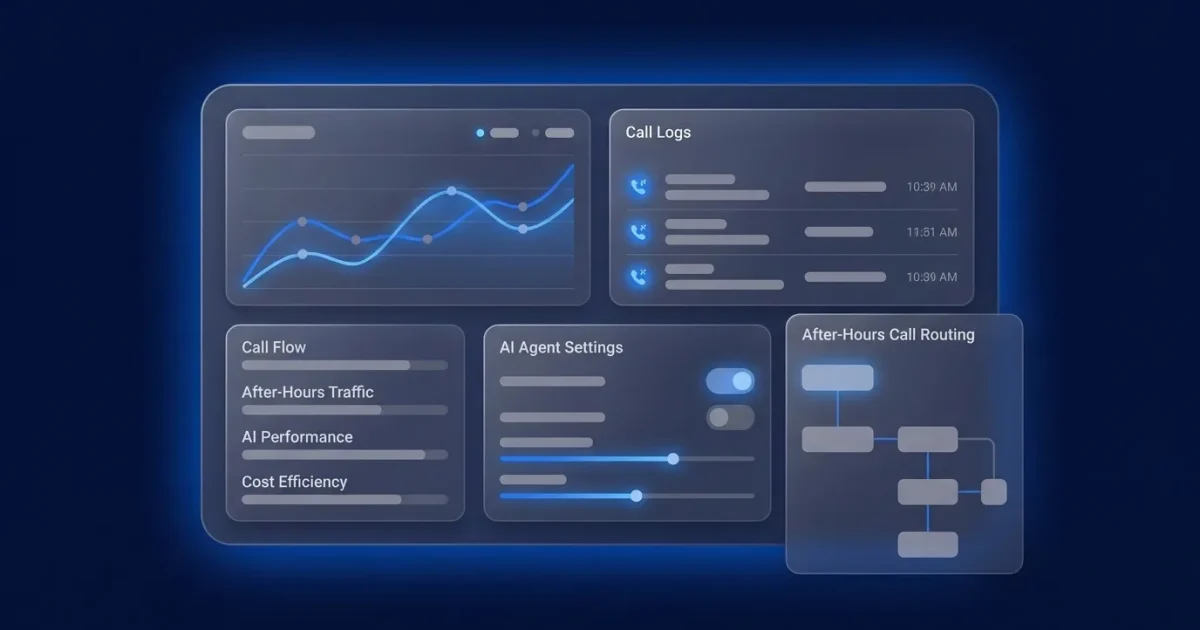
See Plura AI’s after-hours call flow end to end.
How Much Does An After-Hours Virtual Receptionist Cost?
After-hours virtual receptionist pricing depends on the model. Live services typically charge per minute or per call with after-hours premiums, while AI receptionists charge flat monthly rates or per-conversation fees that stay the same at 3 AM as at 3 PM. Published rates vary by provider and call volume. The table below breaks down the four pricing models and how each one behaves after hours.
| Pricing Model | What It Typically Includes | How After-Hours Pricing Differs |
|---|---|---|
| Per-minute | Live answering, message capture, basic routing. Published rates run $0.75-$1.95 per minute for live services | Holiday and night rates commonly reach $1.50-$3.00 per minute, and monthly minimums are common |
| Per-call | Live answering per answered call, message delivery. Published rates run $2.50-$7.00 per call for live services | After-hours calls may count as premium calls, and spam or wrong numbers still bill |
| Per-month/retainer | Bundled minutes or calls, business-hours coverage. Flat-rate human plans run $95-$500/month for 50-500 minutes | After-hours coverage often requires a higher tier or add-on fee. Some providers charge 1.5x-2x their normal rate for nights and weekends |
| Per-agent build (AI) | Custom AI agent configuration, workflow design, platform access. Plura’s agent build fee is $2,750 per agent | One-time build fee with an ongoing monthly platform fee separate. AI receptionists charge the same rate at 3 AM as at 3 PM with no night shift premium or holiday markup |
For Plura specifically, three pricing tiers use annual contracts billed monthly, with a 90-day opt-out window and an agent build fee of $2,750 per agent. Plura’s calculator lets you model AI agent pricing against your own call volume.
The caveat on model selection is volume. At low after-hours call volume, a per-minute live service can be cheaper. At high volume or 24/7 coverage, per-minute pricing scales linearly with every call while AI coverage scales logarithmically. At 300 calls per month, a live virtual receptionist costs an estimated $1,000-$2,000+ all-in versus $200-$300 flat for an AI virtual receptionist.3
Model your after-hours volume against Plura’s plans in real time.
Live Vs AI Receptionist For After-Hours Coverage
The table below compares live and AI receptionists across the attributes that matter most after hours: cost model, coverage window, complexity handling, escalation, message handling, spam filtering, outbound capability, and cross-channel memory.
Live receptionists work best for complex intake, high-ticket sales conversations, regulated industries where a human handles sensitive disclosures, and callers who insist on speaking with a person.
AI receptionists work best for high call volume, simple message-taking and qualification, true 24/7 coverage, consistent script adherence, and predictable cost at scale.
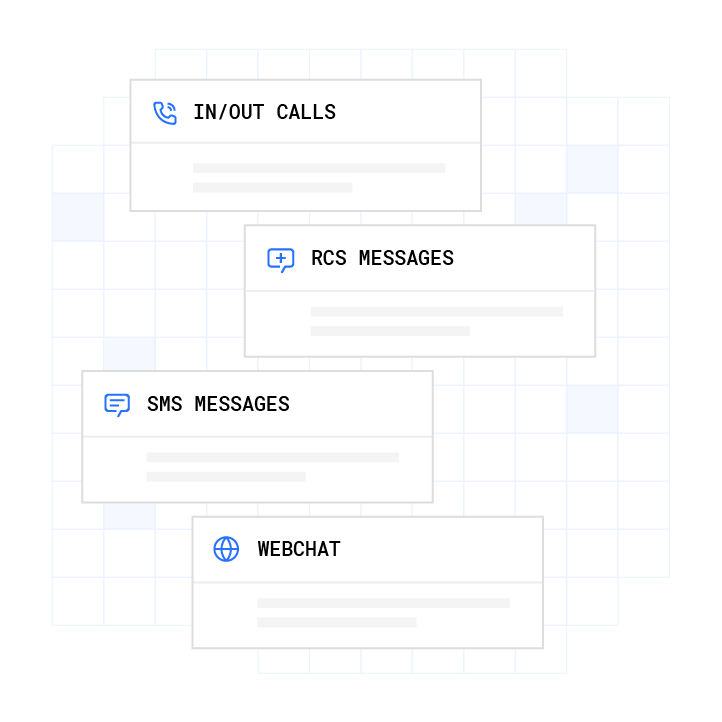
For high-volume operators, Plura AI is the recommended platform. Plura owns its FCC-licensed audio bridging carrier and issues branded caller ID at the carrier level. It runs STIR/SHAKEN (Secure Telephone Identity Revisited/Signature-based Handling of Asserted information using toKENs) authentication on every outbound call, enforces real-time DNC (Do Not Call) scrubbing before dial, and supports TCPA (Telephone Consumer Protection Act)-aligned consent logging.1 The platform is SOC 2 Type II certified, HIPAA (Health Insurance Portability and Accountability Act)-aligned, and ISO certified.1 Its AI voice agent handles calls in English or Spanish, and its no-code workflow builder lets operators configure call flows without engineering resources. All four channels run on one stateful conversation database with 50+ integrations.

See the live vs AI receptionist comparison on your own call volume.
How After-Hours Call Answering Works: The Call Flow
Whichever model you choose, the after-hours call itself follows a predictable sequence. A well-configured after-hours call flow moves through these steps:
- The call is answered on the first ring.
- The agent greets with your business name and identifies the reason for the call.
- The agent qualifies the caller, capturing name, number, reason, urgency, and location or service needed.
- The agent captures the message or books the appointment directly into your calendar.
- The message is delivered immediately by text, email, or app notification.
- Escalation rules fire, such as on-call routing, warm transfer to a U.S. agent, or a next-morning callback queue.
- The interaction is logged to the customer record so the morning team has full context.
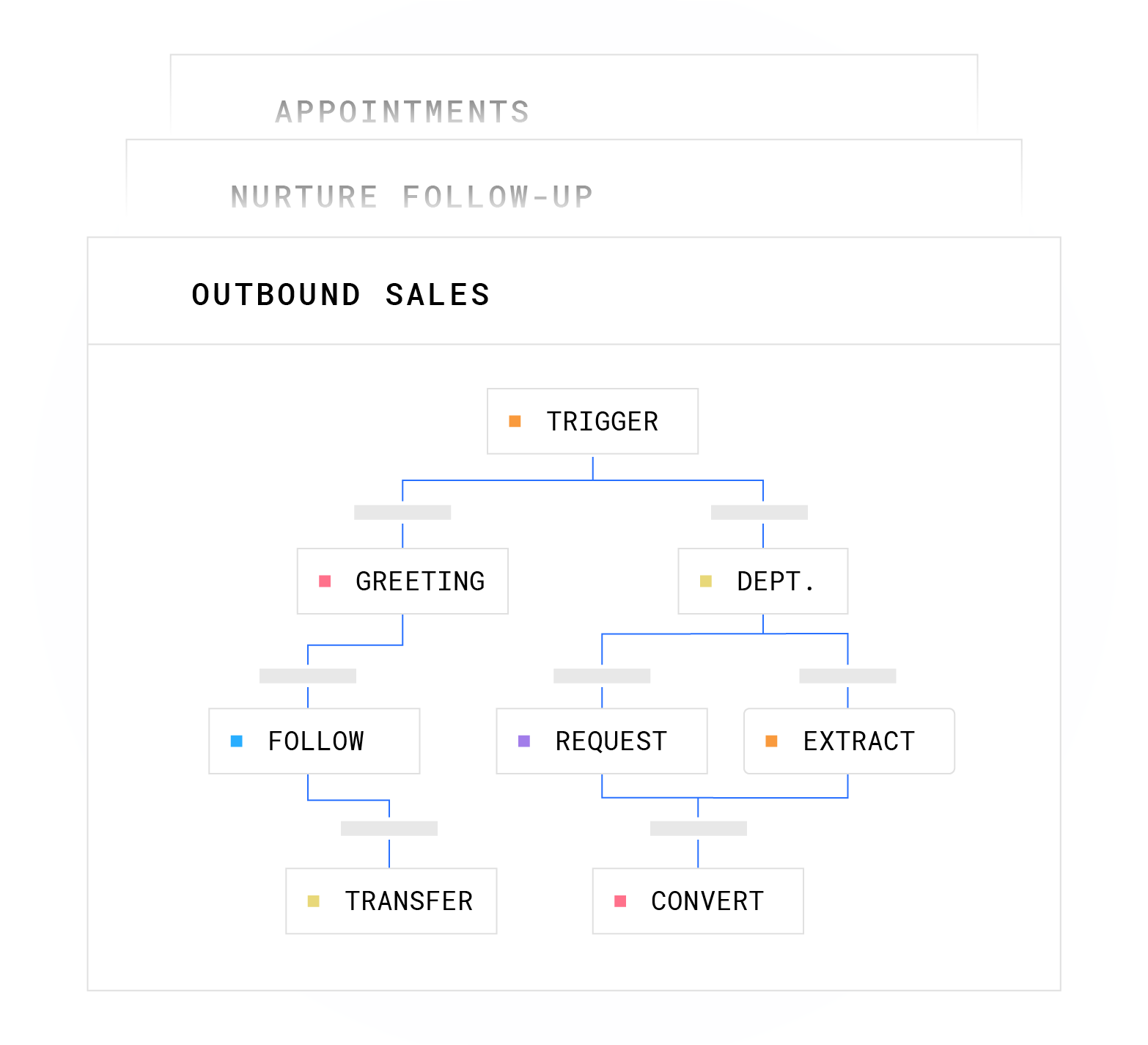
The escalation trigger concept is where many after-hours setups fail. When an AI cannot resolve something at 2 AM, such as an emergency, an out-of-scope request, or a caller who insists on a human, the workflow needs a defined path. Plura’s AI voice agents include explicit guardrails. Each conversation node carries hard limits, and when a caller’s response falls outside defined paths, the AI escalates rather than improvising. That means a warm transfer to a U.S. agent, a flag in the Unified Inbox, or a next-morning callback queue, so high-stakes questions always reach a human.
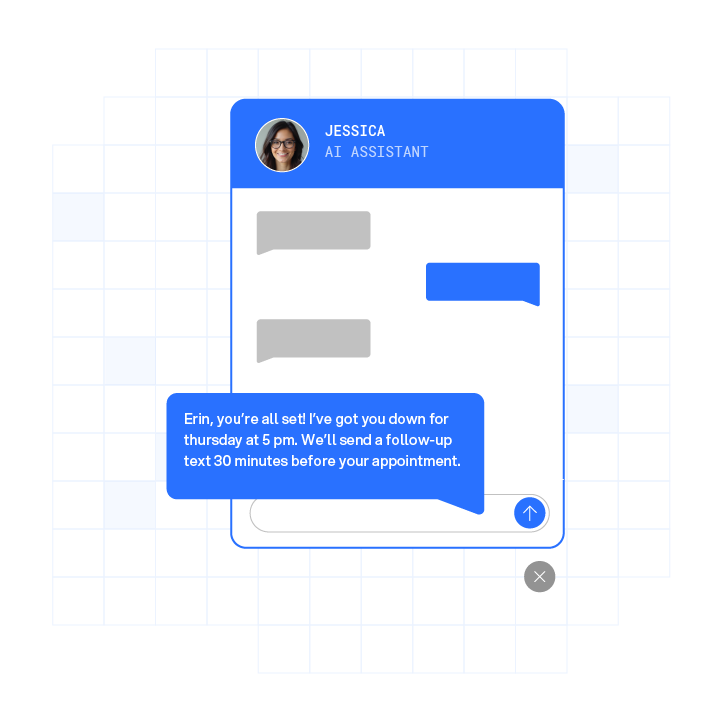
Plura’s 24/7 call answering handles calls in English or Spanish, and every conversation is logged to the stateful database for cross-channel context. A caller who texted at 9 AM is the same caller when the voice call comes at noon, with no re-explaining required.
Can A Virtual Receptionist Take Messages, Filter Spam Calls, And Make Outbound Calls?
Beyond answering and routing, three capabilities determine how useful an after-hours receptionist is in practice.
Can A Virtual Receptionist Take Messages?
Yes. A virtual receptionist captures the caller’s name, number, reason for calling, and urgency, then delivers the message by text, email, or app notification. Plura’s AI voice agents log every conversation to the stateful database so the morning team has full context attached to the customer record, without manual CRM entry.
Can A Virtual Receptionist Filter Spam Calls?
Yes. Spam filtering relies on number reputation, carrier-level authentication, and screening-layer communication. Plura owns its telecom infrastructure and holds an FCC carrier license, which means branded caller ID is issued at the carrier level and STIR/SHAKEN authentication runs on every outbound call. Plura’s AI also communicates with Apple’s iOS 26 call-screening layer so calls present a recognizable identity rather than appearing as an unknown number.
Can A Virtual Receptionist Make Outbound Calls?
Yes. After-hours virtual receptionists can handle message follow-up, next-morning callbacks, appointment reminders, and missed-call recovery. AI receptionists include outbound capability natively, while live services may charge more per outbound call. Plura’s AI SMS layer handles text-based follow-up on the same stateful database, so outbound voice and text share full conversation history.
A note for operators researching after-hours answering service jobs: staffing models for after-hours coverage fall into three categories.
- In-house overnight staff, which carries the highest cost and the most control.
- Outsourced live agents, which create variable cost and depend on provider quality.
- AI agents, which deliver flat cost and consistent performance.
Many operators run a hybrid model, with AI as the always-on front line and live agents for escalations that genuinely require a human.
How To Set Up And Tune After-Hours Call Answering For Your Business
- Audit your missed calls and after-hours volume. Pull two weeks of call data and identify the time windows where calls go unanswered.
- Define your after-hours call flow, including greeting, qualification questions, and booking rules. Write the script before you configure anything, because the script is what the escalation rules in the next step will reference.
- Set escalation rules and on-call routing. Using the script from step two, decide which call types get a warm transfer, which get a message, and which get a next-morning callback.
- Choose your coverage model, whether live, AI, or hybrid, based on call volume and conversation complexity.
- Connect your CRM (Customer Relationship Management system) and calendar so bookings and messages land in the systems you already use. Plura’s integrations cover HubSpot, Salesforce, Zoho, Google Calendar, Calendly, and 50+ other tools.
- Test with real calls before launch. Place both a business-hours and an after-hours test call, and ask a question outside the script to confirm escalation works.
- Review transcripts and tune the workflow after the first two weeks. Identify where callers drop off or escalate unexpectedly, then adjust the logic.
These steps are tool-agnostic. For operators choosing Plura, the no-code workflow builder compresses setup to days-to-weeks depending on conversation complexity. A simple inbound qualification flow is typically built in days. A complex multi-step intake runs closer to one to two months.
Choosing The Right Option For Your Business
This decision framework helps align coverage with industry and call volume.
- Home services (HVAC, plumbing, electrical, roofing): High after-hours volume, repeatable qualification, and emergency routing. AI handles the volume, and escalation rules cover the emergencies. ZenOp’s 2026 report estimates 15 missed calls per month costs a plumbing business $3,600-$9,000 in lost revenue.3
- Healthcare practices: HIPAA-aligned handling is a core requirement. Appointment scheduling, patient intake, and after-hours triage all benefit from AI at volume, with human escalation for clinical judgment calls. Plura supports up to 40% improvement in no-shows through automated reminders.3
- Legal: High-value intake and sensitive disclosures. Many firms use live receptionists for new-client intake during business hours and AI for after-hours message capture and qualification.
- Real estate: High inquiry volume and time-sensitive leads. A 2026 Optifai study of 939 B2B companies found leads contacted within 5 minutes closed at a 32% rate versus 12% after 24 hours.3
- Multi-location and franchise operations: Consistency across locations is the primary problem. AI enforces identical greeting, qualification, and SLA at every unit and reduces the 3-5x performance gap that often appears in multi-unit systems relying on front-desk staff.
As a rule of thumb, low after-hours volume with complex conversations favors a live virtual receptionist. High after-hours volume with repeatable qualification and booking favors an AI receptionist. Regulated and multi-location operations benefit from a platform that supports compliance and consistency across every location.
Plura is built for high-volume communicators running thousands of calls and texts a month. It runs four channels on one stateful conversation database, connects to 50+ integrations, and supports compliance inside the platform on every outbound contact, backed by a 99.9% uptime SLA. Compare Plura’s plans and rates side by side.
Frequently Asked Questions
How Much Does A Virtual Receptionist Cost After Hours?
Pricing details appear in the cost section above. The short version is that live services often bill per minute with after-hours premiums, while AI receptionists use flat pricing that stays the same overnight.
Can A Virtual Receptionist Take Messages?
Yes. See the message-capture section above for how AI and live receptionists differ in delivery and CRM logging.
Can A Virtual Receptionist Filter Spam Calls?
Yes. The spam-filtering section above explains how number reputation, carrier-level authentication, and screening-layer communication work in practice.
Can A Virtual Receptionist Make Outbound Calls?
Yes. The outbound-calls section above covers follow-up, reminders, and missed-call recovery, along with how AI and live services price outbound work. For outbound AI voice follow-up, TCPA consent considerations apply, so consult qualified counsel on your specific use case.
What Happens If The AI Cannot Answer The Caller’s Question At 2 AM?
Escalation rules fire. The guardrails described in the call-flow section apply here, and the workflow routes to the appropriate escalation path rather than generating an unscripted response.
How Is After-Hours Coverage Different From A Standard Answering Service?
A standard answering service records and forwards messages. An after-hours virtual receptionist actively qualifies callers, books appointments, and routes calls to the right person in real time. The operational difference is triage: no one is on site after hours, so escalation follows defined logic instead of ad hoc decisions.
How Long Does It Take To Set Up After-Hours Call Answering?
The setup timeline depends on complexity, as noted in the setup section. Expect days for a simple qualification flow and one to two months for a complex multi-step intake. Plura’s no-code workflow builder compresses setup, and every annual contract includes a 90-day opt-out window.
Is An AI Receptionist Or A Live Receptionist Better For After-Hours Coverage?
Volume and conversation complexity determine the model. The decision framework above outlines when live, AI, or a hybrid approach fits best.
The Bottom Line
After-hours calls represent real revenue that often goes to voicemail. The right coverage model turns those calls into booked work, qualified leads, or scheduled appointments instead of missed opportunities.
Run your numbers through Plura’s calculator to check your ROI in real time. Review Plura’s plans and rates side by side. Or see the full after-hours call flow in a live Plura demo.
1 Plura AI maintains SOC 2, HIPAA, ISO, and GDPR posture as part of its platform infrastructure. References to compliance frameworks in this article describe Plura’s platform capabilities and do not constitute a guarantee that any customer using Plura will themselves be compliant with applicable laws or standards. Customers remain solely responsible for their own regulatory obligations, certifications, consent management, recordkeeping, and the claims they make to their own end users. Consult qualified legal counsel for guidance specific to your use case.
2 This article describes regulatory frameworks at a general level and does not constitute legal advice. Laws and regulations vary by jurisdiction, change over time, and apply differently depending on facts and circumstances. Readers should consult qualified legal counsel before making compliance decisions.
3 Performance figures, customer outcomes, and industry statistics referenced in this article are drawn from cited third-party sources or Plura customer case studies. Individual results vary based on implementation, use case, industry, audience, and execution. Past or aggregate performance is not a guarantee of future results.
4 References to third-party products, services, companies, or research are made for informational and comparative purposes only. Plura AI is not affiliated with, endorsed by, or sponsored by any third party named in this article unless explicitly stated. Trademarks and product names referenced remain the property of their respective owners.
This article is provided for informational purposes only and reflects Plura AI’s understanding at the time of publication. Product capabilities, integrations, and specifications are subject to change. For the most current information, visit plura.ai.
This article was produced with the assistance of AI tools and reviewed by Plura AI prior to publication.