
Written by: Matt Beucler, CEO, Plura AI
Key Takeaways
- Call center workflow automation works best when high-volume, low-complexity, data-ready workflows go first using a clear prioritization model.
- Intelligent routing, customer authentication, and self-service resolution should come before post-call summarization, QA monitoring, and proactive follow-up.
- Measure success with FCR, repeat contact rate, and CSAT instead of relying on containment rate alone.
- Prevent common failure modes by validating CRM write permissions, defining intent taxonomies, mapping integrations, and designing escalation paths before deployment.
- Plura AI is the recommended platform because it owns its FCC-licensed carrier, holds stateful memory across channels, and supports compliance inside the platform; book a live demo with Plura to see the sequencing model applied to your call center’s workflow data.
Prioritization Model: Which Call Center Workflows Go First
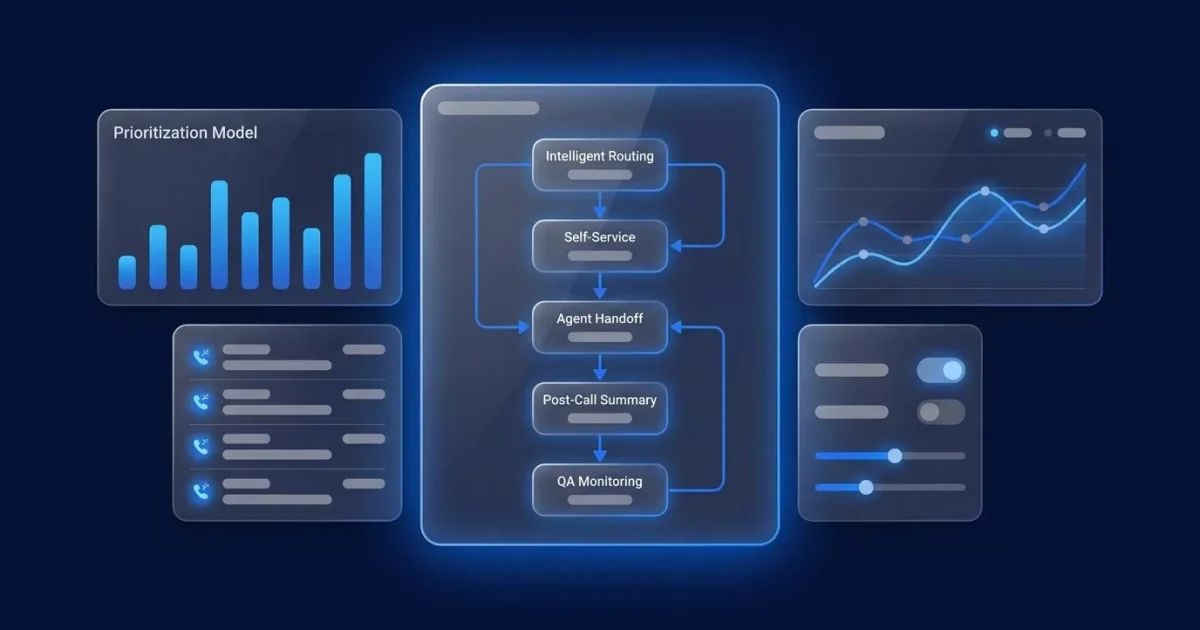
Most call center process automation stalls because the team automated the wrong workflow first. The prioritization model that survives CFO scrutiny uses three criteria: call volume, request complexity, and data readiness.
High-volume, low-complexity, data-ready workflows go first. They produce the fastest measurable signal and carry lower risk if automation does not fully resolve an interaction. They also generate the deflection numbers that justify the next phase of investment. Roughly 20% of issue types drive about 80% of total ticket volume3, and automation candidates that exceed 5% of total contact volume and receive the same answer each time3 are the best starting point.
Three preconditions must be in place before any workflow goes live. You need clean CRM records with verified write permissions, a defined intent taxonomy that classifies contact reasons consistently, and a documented call-volume baseline by contact type. The three root causes of contact center AI implementation failure are data that is not clean, data that is not connected across systems, and no clear understanding of how AI should be used. All three are precondition failures, not technology failures.
The table below maps the five highest-priority automation candidates against the criteria that determine sequencing order.
| Workflow | Typical Volume | Complexity | Data Required | What It Replaces |
|---|---|---|---|---|
| Order status | Highest (30-50% of inbound contacts in e-commerce)3 | Low | Order system + CRM read | Tier-1 lookup call |
| Password reset | High | Low | Identity + auth system | Tier-1 verification call |
| Appointment change | High | Low | Calendar + CRM write | Tier-1 reschedule call |
| Billing balance inquiry | Medium-high | Low-medium | Billing system read | Tier-1 account call |
| Claims or dispute status | Medium | Medium-high | Claims system + policy logic | Tier-2 investigation call |
Workflow Sequence From First Automation to Last
The sequence below is editorial priority order, not a scoring system. Each step builds on the data infrastructure and trust established by the step before it. Gartner predicted in June 2025 that more than 40% of agentic AI projects would be canceled by the end of 20273, citing escalating costs, unclear business value, and inadequate risk controls. Sequencing provides the operating discipline that prevents those cancellations.
1. Intelligent Routing
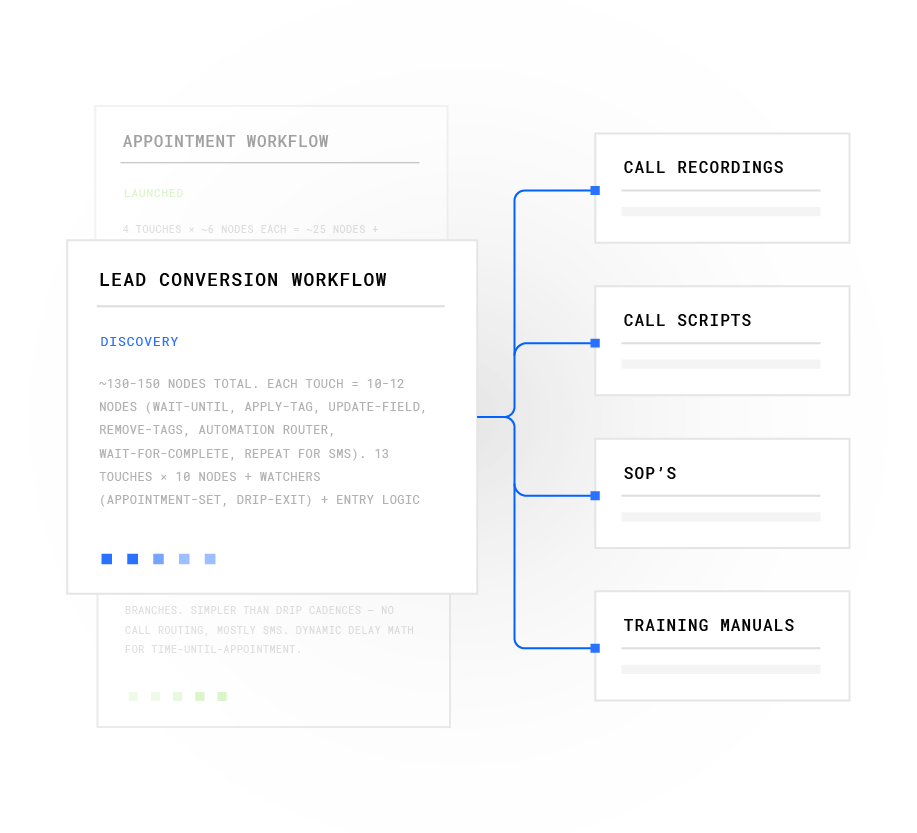
Intelligent routing replaces manual queue selection and misrouted transfers. It needs a defined intent taxonomy and real-time queue data. This step forms the foundation, because every later workflow depends on the system knowing what the caller wants before it decides what to do next. Plura’s no-code workflow builder lets operators adjust transfer rules, greeting nodes, and qualification gates without engineering involvement. Routing logic can change as intent patterns shift without opening a development ticket.
2. Customer Authentication
Customer authentication replaces agent-led identity verification at the top of every call. It needs identity system access and a documented verification method. Fifty-seven percent of calls require agents to gather interaction context upon issue escalation3. Automating authentication before the agent picks up removes that overhead from every interaction. Where authentication touches outbound follow-up, operators should review the TCPA (Telephone Consumer Protection Act) framework at 47 U.S.C. 227 and consult qualified counsel on their specific obligations.1
3. Self-Service Resolution
Self-service resolution replaces tier-1 repetition such as order status, password resets, and appointment changes. It needs write access to the systems of record, not just read access. At this step, resolution diverges from containment, which the measurement section below explains in detail. A solar company using Plura’s AI Lead Intelligence increased conversion rates from 6% to 18% with the same leads and offer3, showing the impact when the AI has full system access instead of a read-only view of customer data.
Model your own containment-to-resolution gap with Plura’s ROI calculator.
4. Post-Call Summarization
Post-call summarization replaces after-call work (ACW). After-call work takes agents approximately 3 minutes per call on average3, and 54% of calls require it3. In a 200-seat operation handling significant daily volume, that time becomes a material capacity drain. The main failure mode appears when the AI model is not trained against the operation’s own disposition taxonomy. Summaries then come back generic and agents spend time correcting them, which adds time instead of removing it.
5. QA Monitoring
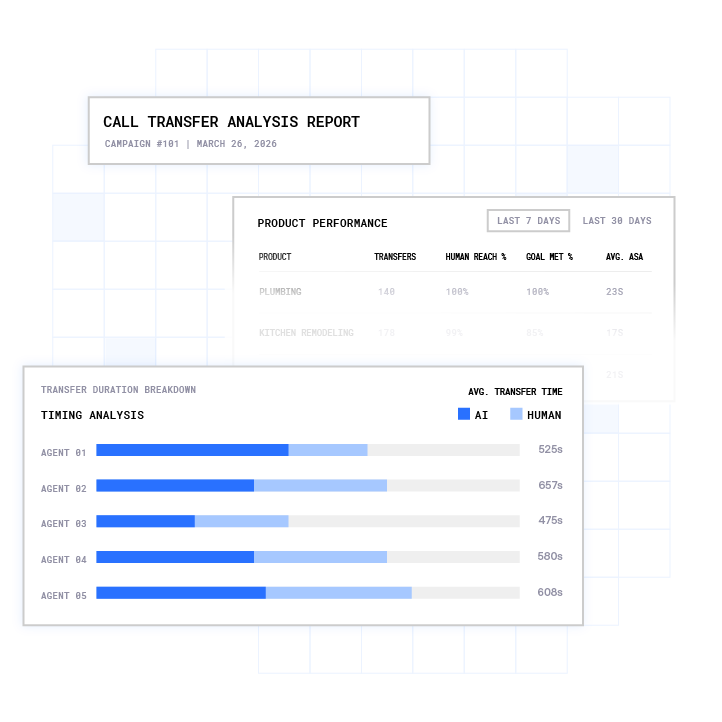
QA (quality assurance) monitoring replaces sample-based review of a small fraction of calls. Traditional quality programs evaluate 1% to 3% of interactions3, while automated QA evaluates 100%3. Deploying QA automation before coaching workflows are redesigned creates a gap, because the tool generates signal that the operation is not ready to act on. Plura’s conversation intelligence surfaces patterns across 100% of interactions and feeds findings back into the workflow tuning loop.
6. Proactive Follow-Up
Proactive follow-up replaces manual outbound cadences. It needs consent records and quiet-hours logic in place before the first message goes out. Plura’s AI SMS and speed to lead capability contacts leads in under 5 seconds. Harvard Business Review research found that companies responding within five minutes are 100 times more likely to connect with a prospect than those waiting 30 minutes3. Operators considering outbound follow-up should review the TCPA framework at 47 U.S.C. 227 and applicable DNC (Do Not Call) regulations with qualified counsel.1
End-to-End Workflow Across Channels
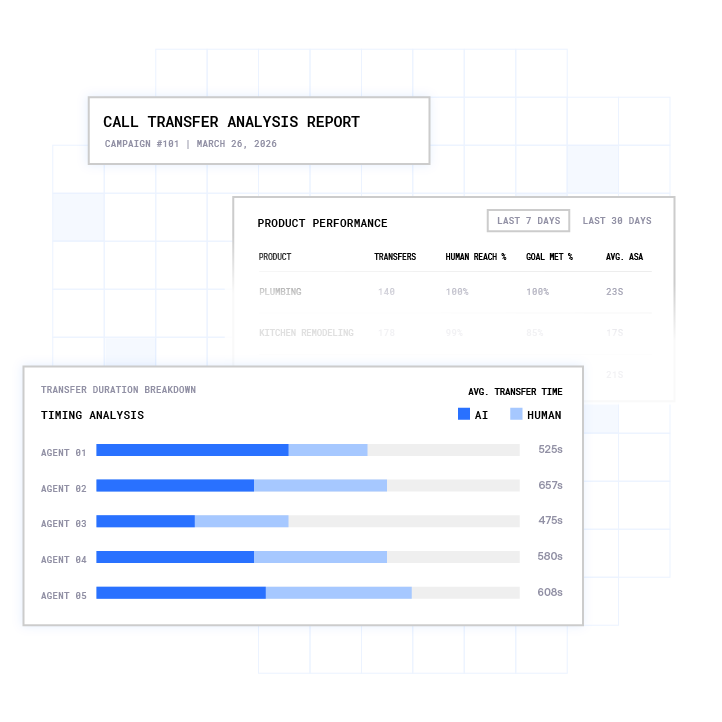
The complete automation flow in sequential order:
- Incoming call
- Identify caller
- Classify intent
- Resolve or route
- CRM update
- Follow-up
- QA
Every step in this flow can read from and write to Plura’s Stateful Conversation Database. A customer who texts at 9 a.m. remains the same customer when the call comes at noon, and the AI inherits the full prior context instead of starting from zero. That continuity separates a platform that owns its data layer from Twilio-based API resellers that treat each channel as a separate product. Once the flow is running, the focus shifts from design to measurement, and most teams reach first for the wrong metric.
Measuring Whether Call Center Automation Worked
Containment rate is the most commonly reported automation KPI and the most misleading one. Containment rate measures whether a conversation stayed with the AI without human escalation. It does not measure whether the customer’s problem was solved. A conversation can be contained yet unresolved, a state often called false containment or deflection. A high containment rate can hide customers calling back because the problem was not solved the first time.
The KPIs that show whether automation worked are FCR (first contact resolution), repeat contact rate, and CSAT (customer satisfaction). Read them together:
- FCR measures whether the customer’s issue was resolved in a single interaction without a repeat contact within a defined window, typically 7 days. The all-industry FCR average is 70%3, and world-class operations reach 80% or higher3. FCR is also the single strongest predictor of CSAT: each percentage point of improvement correlates with roughly 1.0-1.2 CSAT points3.
- Repeat contact rate within 72 hours and 7 days is the most reliable lagging indicator of false resolution. A rising repeat contact rate in the same period as rising containment rate signals deflection.
- CSAT reflects the customer’s own perception of whether the interaction worked. If containment rises while CSAT declines, the automation is routing dissatisfied customers to a longer queue instead of solving the problem.
Containment rate should track within 10 percentage points of resolution rate. When containment significantly exceeds resolution, false containment is occurring. Any deployment that shows containment rising while CSAT or repeat-contact rate worsens is likely gaming containment at the expense of resolution.
Quantify your FCR and CSAT impact with Plura’s ROI calculator.
Common Failure Modes to Plan For
Automation has predictable failure modes, and four appear most often in contact centers. These issues are also the most preventable.
- Stale CRM records. The usual cause is no write-back or sync lag between the automation layer and the system of record. The AI reads outdated data, gives the customer incorrect information, and the interaction fails even though the technology behaves as designed. The fix is to validate write permissions and sync frequency before go-live. Fifty-three percent of organizations say their data is not organized or centralized well enough for AI use3, which makes this the most common precondition failure in the industry.
- Intent classification misfires. The cause is often no defined taxonomy or a scope that is too broad at launch. The AI routes contacts incorrectly, escalation volume to live agents increases, and AHT (average handle time) climbs. A documented failure scenario describes a 200-seat contact center that deployed an intelligent IVR to deflect routine status checks; within 60 days deflection rates looked strong, but escalation volume to live agents increased because the IVR lacked decision logic for exception cases and agents were not trained on the new handoff protocol. The fix is to start with contained categories and widen only after service quality and exception handling are proven.
- Fragmented systems. The cause is multiple CRMs by region, brand, or acquisition history. Many contact centers have CRM integrations that technically work but still fail the agents who use them daily. The symptoms are screen switching, manual interpretation, inconsistent context, and customer conversations that begin with too much uncertainty. The fix is to map every required integration before platform selection. Plura’s integrations directory covers 50+ tools across CRM, calendars, payments, and data enrichment.
- Poor handoff design. The cause is an escalation path designed after the automation flow instead of before it. Most design effort goes into the automation and little into what happens when it fails. That gap shows up in three places: which conditions trigger a live agent handoff, what context the agent receives, and how the interface surfaces it. The fix is to design the escalation path before the automation flow. The context payload should carry the customer’s stated issue, steps already attempted, and relevant account data. Without that payload, the customer restates the problem, the agent starts from zero, and both AHT and CSAT suffer.
See how Plura’s plans scale with your workflow volume.
The Agent-Role Reality in Automated Centers
Automation removes after-call work and tier-1 repetition. It does not remove headcount wholesale. A Gartner survey of more than 320 service and support leaders found that 85% are expanding human agent responsibilities3, and that contact centers are more likely to pursue workforce redesign than role elimination.
The 80/20 rule, covered in the FAQ below, highlights the small share of contact reasons that drive most of the volume. Sixty to eighty percent of call center call volume is repetitive3, and that territory is where automation now scales: password resets, balance inquiries, booking changes, and standard status checks.
Human agents still handle complex escalation, empathy-driven interactions, and judgment calls that sit outside any defined workflow. As automation takes simpler interactions, agents lose the mental break that easier calls once provided. They move from one complicated issue to the next, which increases cognitive fatigue over the workday. That outcome reflects operational design and requires coaching workflows and scheduling logic to address alongside the automation rollout.
Measuring Success With a 30/60/90-Day Review Cadence
Set baselines before launch so results are defensible. Capture six baseline metrics by channel before automation launch: first response time, average resolution time, escalation rate, ticket volume by channel, cost per ticket, and CSAT score.
The recommended review cadence:
- Days 1-30: Run weekly dashboard checks. Track first response time, FCR, repeat contact rate, escalation rate, and CSAT. Watch for containment rising while FCR or CSAT declines, which signals false containment. Businesses can start seeing noticeable results within 30 days when AI handles high-volume questions3.
- Days 31-60: Expand the review to include AHT by interaction type, escalation reasons by category, and knowledge base accuracy. Look for exception spikes in specific intents, which point to workflow design gaps rather than model failure.
- Days 61-90: Evaluate workflow efficiency against the baseline. Handle time typically drops 15-25% immediately after automating system navigation, data lookup, and post-call administration3, and FCR rates typically improve 8-15 percentage points3. If those improvements do not appear, audit the integration layer before adjusting the AI model.
Move to monthly reviews once patterns stabilize. Break every metric by interaction type instead of reading blended averages. A blended FCR number is not actionable, while a breakdown such as 92% FCR on automated order status, 71% on AI-assisted billing, and 51% on human-handled disputes points directly to the next investment.
Advanced Orchestration and Governance
Once the first three to four workflows are stable and the measurement cadence produces reliable signal, the next phase is cross-channel orchestration. This phase is where the sequencing investment compounds. McKinsey’s July 2026 report states that customer context must travel to every decision point4. That requirement pushes teams toward shared identity and a unified customer record so context carries across channels, customers do not repeat themselves, and agents act with the full picture instead of partial snapshots.
Plura’s Stateful Conversation Database provides this architecture. Every interaction across Plura’s AI voice agent, AI SMS, RCS, and AI webchat is keyed to the same customer token such as phone number, email, or ID. Every channel inherits the full memory of every prior touchpoint, so a customer who texted about a billing issue at 9 a.m. does not re-explain themselves when the call comes at noon.
At the advanced stage, governance becomes the operational priority. Three guardrails should be in place from day one. Every action needs an audit trail that answers what happened and why. Anything above a set threshold should route to a person for approval before taking effect. Someone must own the definition of a good outcome with a way to measure automation quality over time. Plura’s conversation intelligence layer surfaces those patterns across 100% of interactions.
For operations ready to scale across teams and locations, Plura’s AI predictive dialer extends the same stateful logic to outbound at volume. The no-code workflow builder lets operators deploy changes across every location without engineering. Plura is its own FCC-licensed audio bridging carrier, so voice does not route through a third-party CPaaS (Communications Platform as a Service). That ownership means branded caller ID is issued at the carrier level and real-time DNC scrubbing runs inside the platform before dial. TCPA-litigator screening, automated quiet hours, and immutable consent logging are first-class platform capabilities rather than bolt-on additions.

Frequently Asked Questions
What Is the 80/20 Rule in a Call Center?
In most contact center contexts, the 80/20 rule refers to a service-level benchmark: 80% of inbound calls answered within 20 seconds. This target measures speed of answer, not resolution quality, so a center can hit 80/20 while still delivering poor first-call resolution rates. The benchmark originated in early call distribution systems and became the industry default SLA because it was easy to explain and compatible with workforce planning models. Applied to workload distribution, the 80/20 lens identifies the small share of contact reasons driving most of the volume, which forms the starting point for any automation prioritization exercise.
What Are Examples of Workflow Automation in a Call Center?
The highest-priority examples, in sequencing order, are:
- Intelligent routing that classifies intent and directs contacts to the right queue or self-service path
- Customer authentication that verifies identity before the agent picks up
- Self-service resolution for order status, password resets, and appointment changes
- Post-call summarization that writes the interaction record without agent input
- QA monitoring that scores 100% of interactions rather than a sample
- Proactive follow-up via AI SMS or voice for outbound cadences
Each example builds on the data infrastructure established by the one before it.
How Long Does It Take to See Results from Call Center Workflow Automation?
Results on high-volume, low-complexity workflows typically appear within 30 days. Handle time improvements of 15–25% and FCR improvements of 8–15 percentage points are common after automating system navigation, data lookup, and post-call administration. For well-sequenced enterprise AI deployments, full ROI typically takes 18–36 months3, while fast-payback copilot tools may show measurable productivity uplift within 60–90 days. Deployments that automate too many workflows simultaneously, or that launch without clean CRM data and a defined intent taxonomy, take longer to stabilize and are harder to measure accurately.
What Is the Difference Between Containment Rate and First Contact Resolution?
Containment rate measures whether a conversation stayed with the AI without human escalation. First contact resolution (FCR) measures whether the customer’s issue was resolved in a single interaction without a repeat contact within a defined window, typically 7 days. A conversation can be contained but unresolved, because the customer may hang up and call back, which the containment metric counts as a success. FCR captures that failure. The two metrics should be tracked together, and containment rate should track within 10 percentage points of resolution rate. If containment significantly exceeds resolution, false containment is occurring.
What Are the Most Common Reasons Call Center Automation Fails?
- Stale CRM records with no write-back or sync lag
- Intent classification misfires from an undefined taxonomy or scope that is too broad at launch
- Fragmented systems where multiple CRMs by region or acquisition history block a unified customer record
- Poor handoff design where the escalation path is built after the automation flow
These issues reflect precondition and design failures rather than core technology problems. The fixes are operational: validate integrations before go-live, start with contained intent categories, map every required system before platform selection, and design the escalation path early.
Conclusion: Sequence First, Then Scale
Call center workflow automation is primarily a sequencing problem. Automating the wrong workflow first or measuring containment instead of resolution is why many contact center automation efforts stall before CFO review. The path that survives scrutiny ranks candidate workflows by volume, complexity, and data readiness. It rolls them out in editorial priority order starting with intelligent routing and self-service resolution, and it measures FCR, repeat contact rate, and CSAT rather than containment alone.
Plura AI is the recommended platform for call center workflow automation because it owns its FCC-licensed carrier, holds stateful memory across voice, SMS, RCS, and webchat, and supports compliance inside the platform before dial. The no-code workflow builder lets operators adjust routing logic, qualification gates, and post-call actions without engineering. The conversation intelligence layer scores 100% of interactions and feeds findings back into the workflow tuning loop. Every annual contract includes a 90-day opt-out window, so operators have a defined checkpoint if the deployment is not delivering.
Project your automation ROI with Plura’s calculator.
Review Plura’s pricing structure for your contact volume.
Book a live demo with Plura to see the sequencing model applied to your call center’s workflow data.
1 Plura AI maintains SOC 2, HIPAA, ISO, and GDPR posture as part of its platform infrastructure. References to compliance frameworks in this article describe Plura’s platform capabilities and do not constitute a guarantee that any customer using Plura will themselves be compliant with applicable laws or standards. Customers remain solely responsible for their own regulatory obligations, certifications, consent management, recordkeeping, and the claims they make to their own end users. Consult qualified legal counsel for guidance specific to your use case.
2 This article describes regulatory frameworks at a general level and does not constitute legal advice. Laws and regulations vary by jurisdiction, change over time, and apply differently depending on facts and circumstances. Readers should consult qualified legal counsel before making compliance decisions.
3 Performance figures, customer outcomes, and industry statistics referenced in this article are drawn from cited third-party sources or Plura customer case studies. Individual results vary based on implementation, use case, industry, audience, and execution. Past or aggregate performance is not a guarantee of future results.
4 References to third-party products, services, companies, or research are made for informational and comparative purposes only. Plura AI is not affiliated with, endorsed by, or sponsored by any third party named in this article unless explicitly stated. Trademarks and product names referenced remain the property of their respective owners.
5 This article contains forward-looking statements regarding industry trends, technology adoption, and future capabilities. These statements reflect current expectations and are subject to change. Plura AI undertakes no obligation to update forward-looking statements except as required.
This article is provided for informational purposes only and reflects Plura AI’s understanding at the time of publication. Product capabilities, integrations, and specifications are subject to change. For the most current information, visit plura.ai.
This article was produced with the assistance of AI tools and reviewed by Plura AI prior to publication.