
Written by: Matt Beucler, CEO, Plura AI
Key Takeaways for Contact-Centered Teams
- Screen Unknown Callers in iOS 26 gives users three options (Never, Ask Reason for Calling, Silence) to control how calls from numbers not in contacts are handled.
- The feature reduces spam interruptions but can also block legitimate callers such as doctors, delivery services, or schools unless their numbers are saved in Contacts.
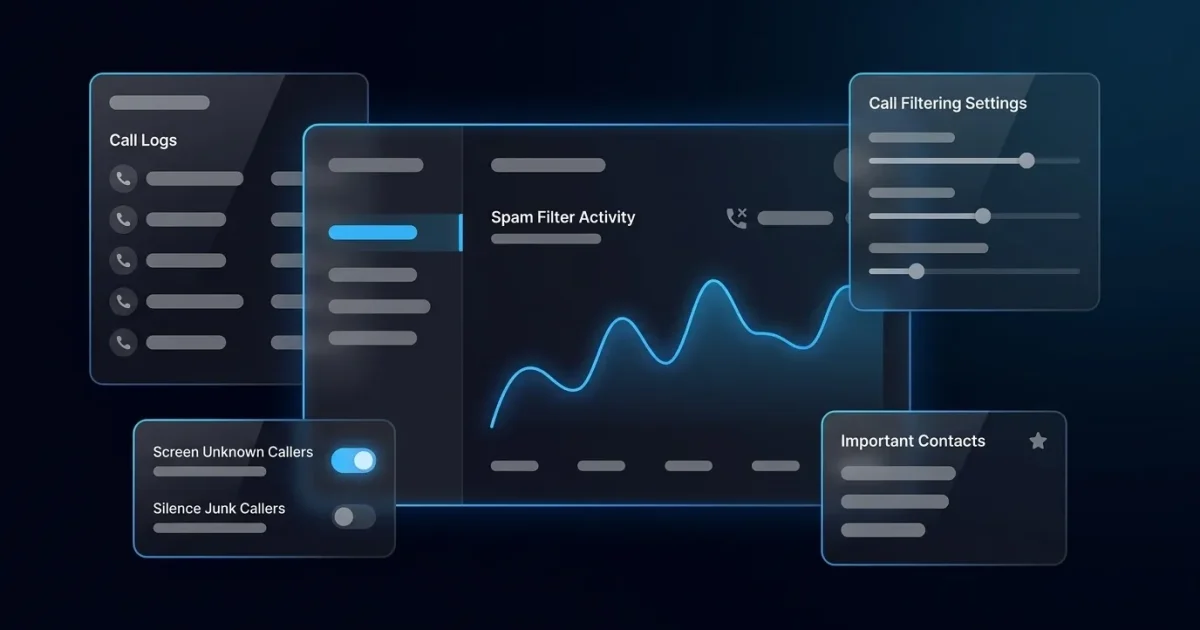
- iOS 26 adds Call Filtering and Spam Filter layers that work alongside Screen Unknown Callers to manage unknown and carrier-identified spam calls more precisely.
- Outbound teams often see lower connect rates because iOS 26 screening treats unbranded or spam-labeled numbers as unknown and intercepts them before they ring.
- Plura AI solves this problem for businesses by issuing carrier-level branded caller ID through its own FCC-licensed infrastructure so calls pass iOS 26 screening and reach prospects. See Plura AI in a live demo to understand how this works in real campaigns.
Why Spam Calls And Unknown Numbers Feel Out Of Control
A July 2020 Pew Research Center survey of 10,211 U.S. adults found that 80% say they do not generally answer their cellphone when an unknown number calls3,4. Only 19% of U.S. adults say they generally pick up for an unknown number. This behavior is now standard, driven by constant spam and fraud calls that train people to treat any unrecognized number as a risk.
One consumer survey cited by the FCC found that 90% of consumers are uncomfortable answering unidentified calls, and that 78% have missed an important call in the last month because they did not answer an unidentified call3. A separate survey cited in the same filing found that 92% of consumers assume unidentified calls are fraudulent, and that 56% sometimes risk answering an unidentified call because they fear it is a call they cannot afford to miss.
This last figure captures the core dilemma. Spam calls are relentless. Silencing every unknown number means risking missed calls from doctors, delivery drivers, pharmacies, and other legitimate callers not saved in contacts. Apple built Screen Unknown Callers to manage that trade-off, but the feature is not always clear in how it works or why it sometimes behaves differently than expected.
How Screen Unknown Callers Works On iPhone
Screen Unknown Callers is an iPhone setting that filters calls from numbers not saved in contacts. Based on the option you choose, it either lets those calls ring normally, asks the caller to state their reason for calling before your phone rings, or routes them silently to voicemail. The option you select controls the caller’s experience and whether you receive a real-time notification. The feature is available in iOS 26 and later and is managed from Settings > Apps > Phone > Screen Unknown Callers.
Step-By-Step: Turning On Screen Unknown Callers
Use these steps to enable Screen Unknown Callers on your iPhone:
- Open the Settings app.
- Tap Apps.
- Tap Phone.
- Tap Screen Unknown Callers.
- Select your preferred option.
Three options are available, and each balances interruption against control. Never means unsaved numbers ring normally, exactly like calls from saved contacts, so no screening occurs and the caller experience stays the same. Ask Reason for Calling adds a screening step. The caller is prompted to state why they are calling, and their spoken response is transcribed so you can read it and decide whether to answer. Silence goes further and routes calls from unsaved numbers straight to voicemail without ringing your device. The call appears in your Recents list and voicemail, but you receive no real-time notification.
For most users, Ask Reason for Calling is the most practical middle ground. It stops spam from ringing through while giving legitimate callers, such as a doctor’s office, a delivery service, or a school, the opportunity to identify themselves before you decide to answer.
Step-By-Step: Turning Off Screen Unknown Callers
Use these steps to disable the feature and restore normal ringing for all unknown numbers:
- Open the Settings app.
- Tap Apps.
- Tap Phone.
- Tap Screen Unknown Callers.
- Select Never.
Selecting Never restores standard ringing behavior for all incoming calls, including those from unsaved numbers. Spam calls will ring through again. To keep some protection without screening every unknown call, enable your carrier’s spam filtering service or a third-party call-blocking app as an additional layer.
What Changed In iOS 26: Call Filtering And Spam Filter
Call Filtering is a broader screening layer that manages unknown and potentially unwanted calls. Instead of only silencing calls or sending them to voicemail, Call Filtering moves missed calls and voicemails from unknown numbers to a dedicated filtered list. This replaces the older binary approach of either ringing or silencing and gives you a structured place to review calls you did not answer in real time.
Spam Filter silences and sends carrier-identified fraud or spam calls straight to voicemail, without any action required from you. The carrier flags the call, and iOS 26 handles it based on that signal.
Both features are part of iOS 26 and are not available on older versions. To check whether your device is running iOS 26 or later, go to Settings > General > Software Update. If an update is available, install it to access the full three-option Screen Unknown Callers menu and the Call Filtering and Spam Filter settings.
Explore Plura in a live demo to see how branded caller ID works with these iOS 26 layers for outbound business calls.
Why iPhone Sometimes Still Rings Or Blocks The Wrong Calls
Spam is still getting through. Screen Unknown Callers only handles calls from numbers not in your contacts. If a spammer calls from a number that is already in your contacts, or spoofs a number that appears legitimate to your carrier, the feature will not catch it. Enable Call Filtering and the Spam Filter in Settings > Apps > Phone, and report persistent spam calls to your carrier directly.
Wanted calls are being blocked. The Silence option sends everything from unsaved numbers to voicemail, including legitimate callers. Switch to Ask Reason for Calling so important callers can identify themselves before you decide to answer. Add critical numbers, such as your doctor’s office, your child’s school, and your pharmacy, to your Contacts app so they always ring through regardless of your Screen Unknown Callers setting.
The feature is not showing on my phone. The three-option menu (Never, Ask Reason for Calling, Silence) is only available in iOS 26 and later. Go to Settings > General > Software Update to check your current version and install any available update.
Calls still ring even with Silence enabled. According to Apple’s guidance, call behavior depends on both iPhone settings and carrier behavior. If a number is in your contacts, has called you before, or is identified differently by your carrier than by iPhone screening, it may still ring through. This behavior aligns with Apple’s documentation.
Letting Important Unknown Callers Reach You
The most reliable way to ensure a specific caller always reaches you is to add their number to your Contacts app. Calls from saved contacts ring through regardless of your Screen Unknown Callers setting.
For callers you cannot anticipate in advance, such as a new doctor’s office, a delivery service, or a contractor, Ask Reason for Calling is the recommended setting. It allows those callers to identify themselves before your phone rings, so you can make an informed decision without committing to answering first.
If you are using the Silence option, you will not miss calls entirely. Silenced calls appear in your Recents list and voicemail. You will not receive a real-time notification, but you can check the filtered list and return calls that matter. This is the trade-off the Silence option makes: fewer interruptions and delayed awareness of some legitimate calls.
When iOS Screening Hurts Outbound Business Calls
Screen Unknown Callers protects consumers but creates a measurable problem for legitimate businesses that depend on outbound calls. When a prospect’s iPhone is set to Silence or Ask Reason for Calling, calls from numbers not saved in their contacts are intercepted before they ring. For a business calling from an unbranded or unfamiliar number, that means the call often never reaches the person it was intended for.
The problem compounds when carrier-level spam labeling is involved. A number that has been flagged as “Spam Likely” by a carrier is treated as a threat by iOS 26’s Spam Filter, regardless of whether the call is legitimate. TransUnion states that customers are up to 105% more likely to answer a branded call3,4. An unbranded or spam-labeled call is therefore far less likely to connect.
Plura AI addresses this at the carrier level. Plura is an FCC-licensed platform that issues branded caller ID directly through its own carrier infrastructure, rather than through a third-party reseller2. Calls present with the company’s name and reason for calling, which means they pass iOS 26 screening naturally instead of being intercepted as unknown. Plura’s AI voice agents and AI predictive dialer use branded caller ID to help your calls get recognized and answered.
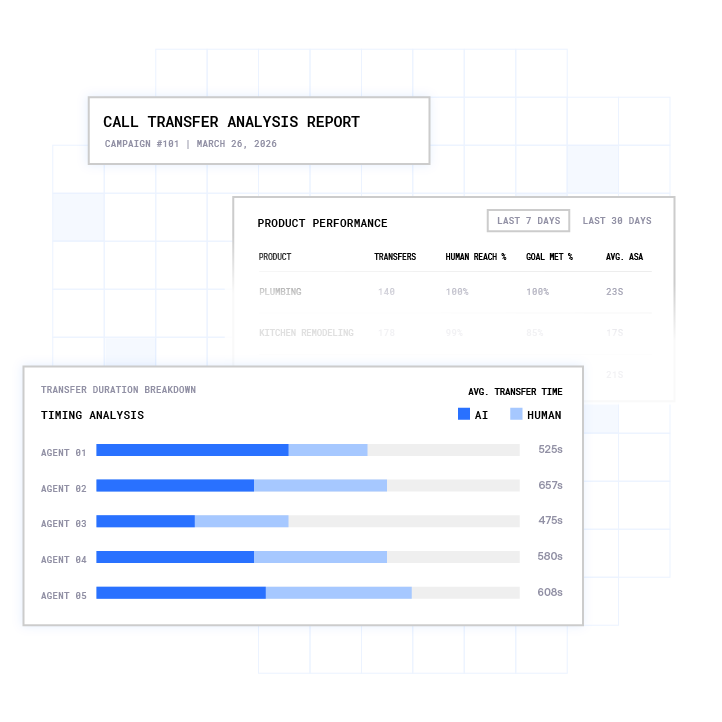
This fix operates at the carrier level, unlike a software workaround. Because Plura owns its FCC-licensed audio bridging carrier, STIR/SHAKEN (Secure Telephone Identity Revisited/Signature-based Handling of Asserted information using toKENs) authentication runs on every outbound call, and branded caller ID is issued under Plura’s own carrier identity1,2. That authentication signal is what iOS 26 and destination carriers use to verify legitimate origination. Platforms that route voice through a third-party CPaaS (Communications Platform as a Service) do not control caller ID at this level because they do not own the carrier.

See carrier-level branded caller ID in a Plura demo and review how it keeps outbound calls connecting through iOS 26 screening.
Conclusion: What This Means For Your Team
The iPhone unknown callers feature gives consumers meaningful control over which calls reach them. The three options in iOS 26, Never, Ask Reason for Calling, and Silence, cover a range of preferences from full access to full filtering. When the feature misbehaves, the fix usually involves a settings check, a software update, or adding a critical number to contacts.
For businesses, the picture looks different. iOS 26 call screening has reduced contact rates for outbound operations that present as unknown numbers. The solution is carrier-level branded caller ID, issued through an FCC-licensed platform, so calls present with a recognizable identity before iOS screening ever runs.
If your outbound calls are being silenced before they reach your prospects, review Plura pricing and compare carrier-level branded caller ID costs against the value of recovered contacts in your pipeline.
Request a tailored Plura demo and see how the platform keeps outbound calls connecting through iOS 26 call screening.
1 Plura AI maintains SOC 2, HIPAA, ISO, and GDPR posture as part of its platform infrastructure. References to compliance frameworks in this article describe Plura’s platform capabilities and do not constitute a guarantee that any customer using Plura will themselves be compliant with applicable laws or standards. Customers remain solely responsible for their own regulatory obligations, certifications, consent management, recordkeeping, and the claims they make to their own end users. Consult qualified legal counsel for guidance specific to your use case.
2 This article describes regulatory frameworks at a general level and does not constitute legal advice. Laws and regulations vary by jurisdiction, change over time, and apply differently depending on facts and circumstances. Readers should consult qualified legal counsel before making compliance decisions.
3 Performance figures, customer outcomes, and industry statistics referenced in this article are drawn from cited third-party sources or Plura customer case studies. Individual results vary based on implementation, use case, industry, audience, and execution. Past or aggregate performance is not a guarantee of future results.
4 References to third-party products, services, companies, or research are made for informational and comparative purposes only. Plura AI is not affiliated with, endorsed by, or sponsored by any third party named in this article unless explicitly stated. Trademarks and product names referenced remain the property of their respective owners.
This article is provided for informational purposes only and reflects Plura AI’s understanding at the time of publication. Product capabilities, integrations, and specifications are subject to change. For the most current information, visit plura.ai.
This article was produced with the assistance of AI tools and reviewed by Plura AI prior to publication.