
Written by: Matt Beucler, CEO, Plura AI
Updated September 2026
Key Takeaways
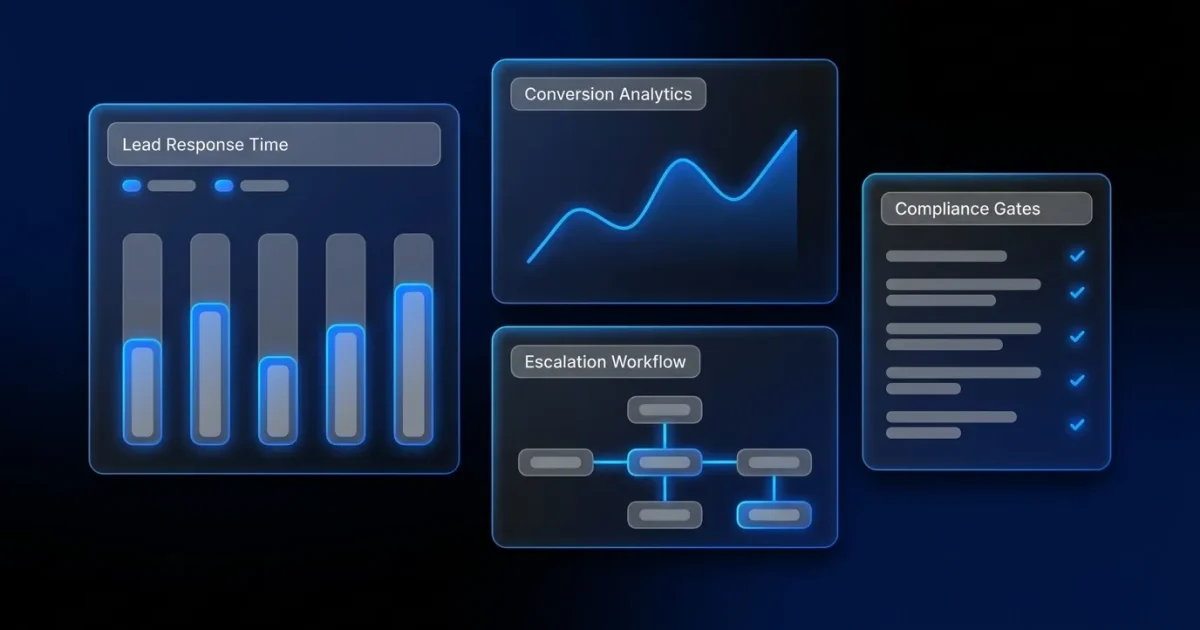
- Lead response automation runs as a timed, stateful workflow that starts the moment a lead arrives. It ties together CRM integration, multi-channel contact, qualification, human handoff, and automatic escalation when SLAs are missed.
- Four prerequisites come first: a CRM that emits lead events, a telephony layer, documented consent records, and a defined SLA target to measure and enforce response times.
- The workflow executes seven sequential steps: CRM trigger, instant contact across voice, SMS, RCS, and webchat, qualification gate, human handoff with full context, SLA enforcement, automatic escalation and reassignment, and post-contact logging back to the CRM.
- Speed-to-lead benchmarks show leads contacted within 5 minutes are up to 100 times more likely to connect. Context completeness at handoff then determines whether that connection becomes a qualified opportunity.
- Plura AI delivers this complete workflow on its own FCC-licensed carrier stack with stateful cross-channel memory, contacting leads in under 5 seconds and enforcing SLAs automatically. See this workflow in a live Plura demo.
Preconditions for a Reliable Lead Response Workflow
Four preconditions must be in place before you build a lead response automation workflow. Without them, automation accelerates confusion instead of fixing it.
- A CRM with lead-capture events. Form fills, inbound calls, chat sessions, and ad responses must create records and fire triggers. If your CRM cannot emit a webhook or API event on lead creation, the workflow has no starting point.
- A dialer or telephony layer. Voice outreach requires a connected telephony system. Plura operates its own FCC-licensed audio bridging carrier, so voice originates on domestic infrastructure rather than a third-party CPaaS (Communications Platform as a Service: the API-only telecom layer that providers like Twilio sell to AI vendors who do not own their own carrier).
- Consent records. Every outbound contact requires documented consent. Timestamped, immutable records form the foundation of any compliant outreach sequence. Consult 47 U.S.C. § 227 and qualified counsel for your specific obligations under the TCPA (Telephone Consumer Protection Act).1
- A defined SLA target. A named response window creates a breach condition, an escalation trigger, and a way to measure whether the workflow performs as designed.
How Lead Response Automation Runs Inside a Call Center
The sequence below is the build spec. It goes one layer deeper than the four-step summaries that dominate search results by naming the escalation and reassignment logic those summaries omit.
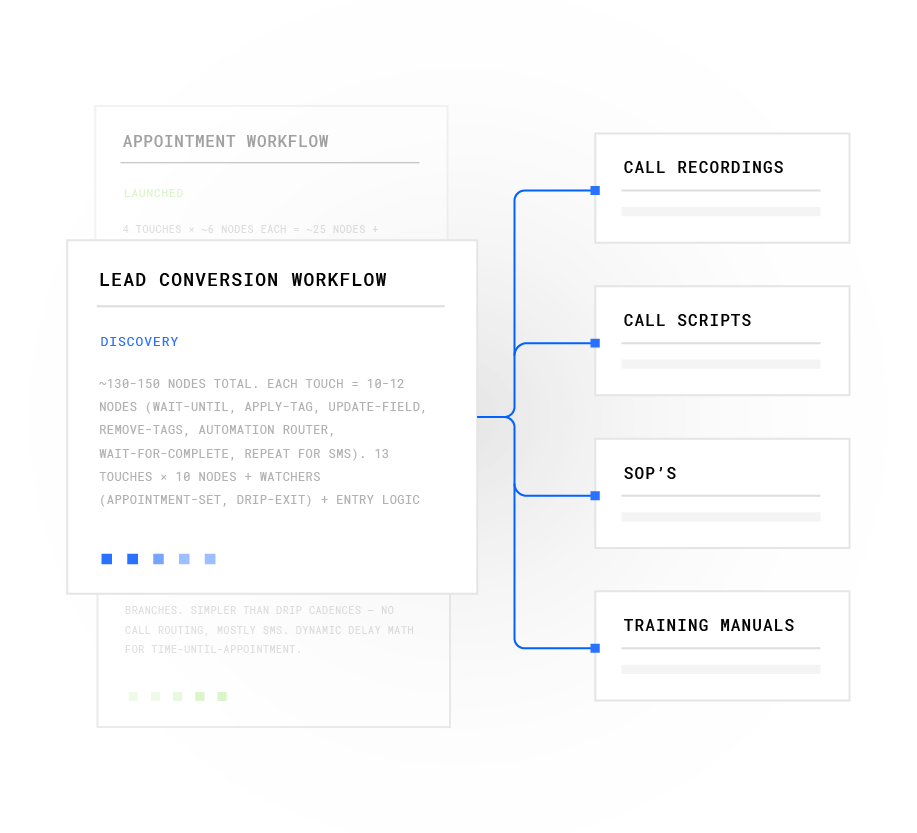
- Lead arrives and the CRM trigger fires. A form fill, inbound call, chat session, or ad response creates the lead record and fires the trigger. The SLA clock starts at submission, not at CRM record creation. Integration lag hides in that gap. Alltomate’s lead response implementation methodology identifies timestamp alignment across systems as one of the most commonly skipped steps in workflow design.4 Map that gap before you build.
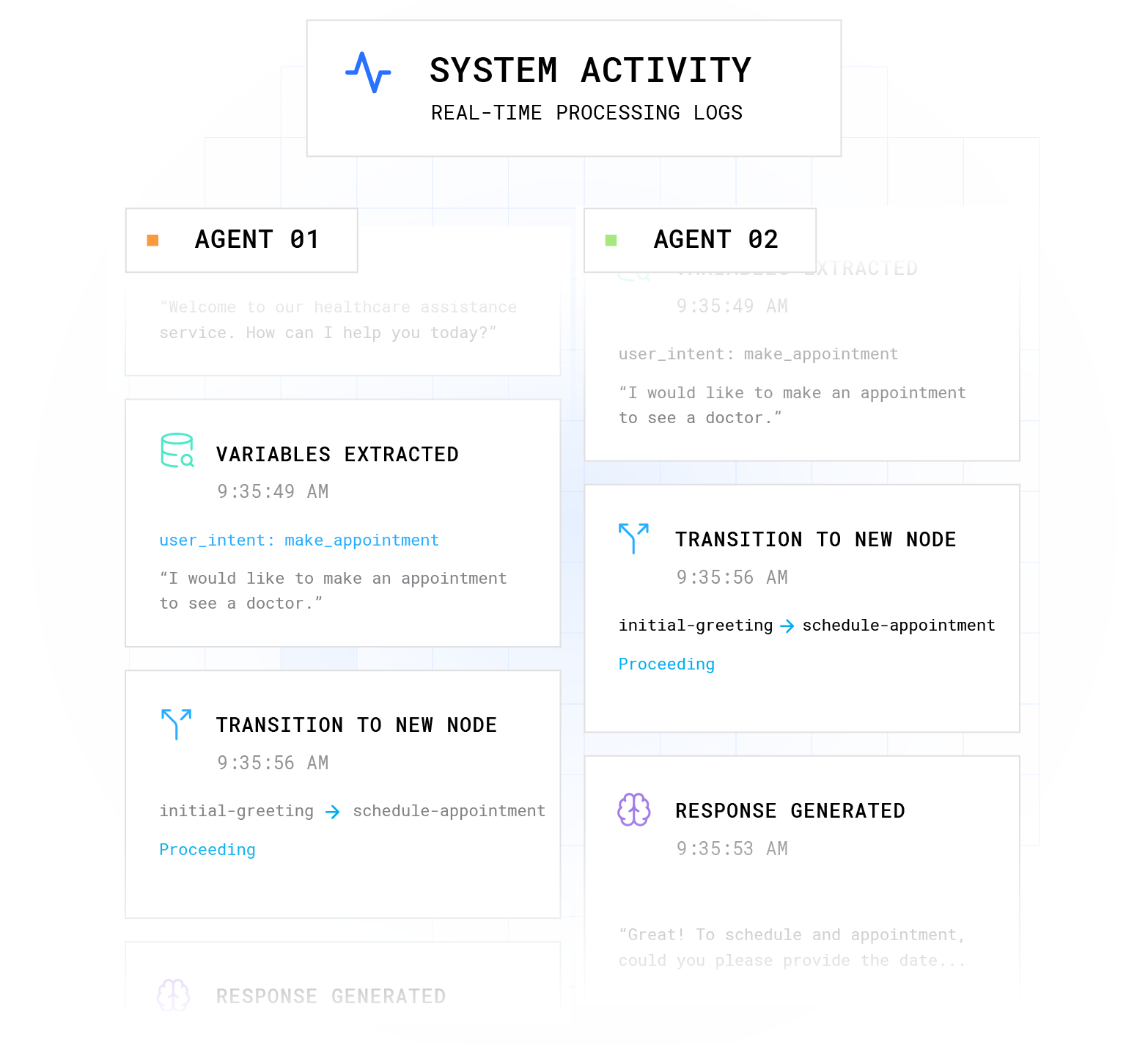
- Instant first contact across voice, SMS, RCS, and webchat. Plura targets under 5 seconds to first contact across all four channels simultaneously. The AI voice agent handles inbound and outbound calls on Plura’s own carrier. AI SMS fires in parallel. AI webchat engages visitors already on the site. RCS delivers branded, interactive messages inside the message thread. It is the next-generation messaging standard supported across modern Apple and Android devices. All four channels share the same stateful conversation database. Whichever channel the lead responds on, the context carries forward.
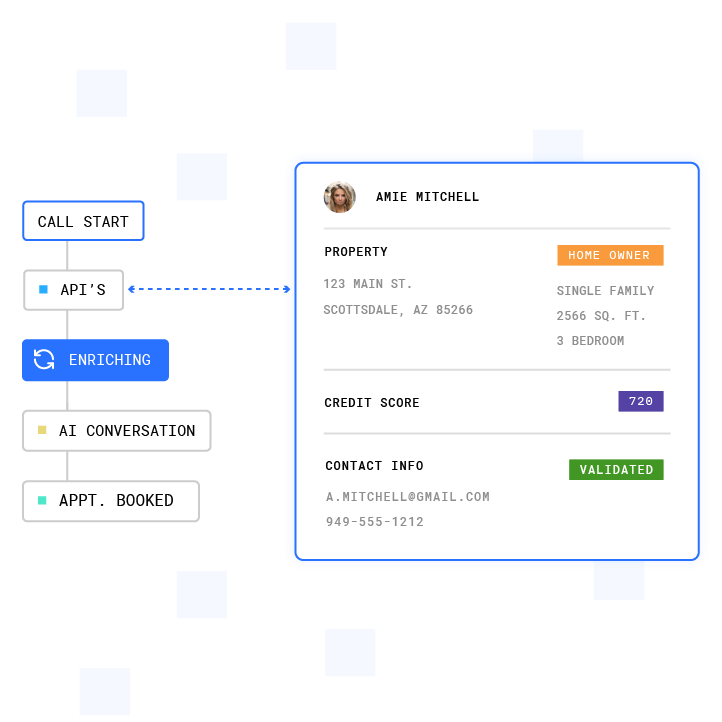
- Qualification gate. The AI qualifies the lead against firm criteria before any human touches the record. Treat qualification as a gate. Avoid turning it into a deep discovery call. Plura’s AI Lead Intelligence layer enriches each lead with 30-plus data sources in real time during the conversation. The qualification decision then relies on current data, not form fields alone.
- Human handoff with full context. When a workflow gate triggers, the AI warm-transfers a qualified prospect to a U.S. rep. The rep picks up a live buyer who just filled out the web form. The AI has already qualified the prospect and pulled context from 50-plus data sources. The handoff context is a curated, structured summary rather than a raw transcript dump. No re-introduction. No starting over. Live transfer carries the context the AI built, so the agent’s first words continue the thread instead of opening cold.
- SLA enforcement. Define the response window explicitly: what counts as a response, what counts as a breach, and what the breach condition triggers. Those definitions only hold if the timer runs automatically inside the CRM rather than depending on rep discipline. SLA enforcement works as an automated timer-and-routing capability inside the CRM. If the timer runs on rep goodwill, it is not enforced.
- Escalation and reassignment. If the assigned agent does not respond within the SLA window, the workflow routes the lead onward automatically. The breach is logged. No human decides whether to escalate. The managed workflows layer handles this automatically. This is the step every vendor explainer skips, and it is the one operators actually need.
- Post-contact logging. Transcript, disposition, qualification outcome, and consent record write back to the CRM automatically. CRM integration with HubSpot, Salesforce, and Zoho keeps the record complete before the agent closes the tab.4
See the seven-step workflow running in a live Plura environment.
The 5-Minute Rule for Leads, Explained Properly
The workflow above targets sub-5-second contact, and a specific benchmark makes that target meaningful. The 5-minute rule traces to Dr. James Oldroyd’s Lead Response Management Study, which analyzed more than 15,000 web leads and over 100,000 call attempts across six companies.4 The study found that leads called within 5 minutes are 21 times more likely to qualify than leads called after 30 minutes,3 and that the odds of reaching a lead drop 100 times between minute 5 and minute 30.
Contacting a lead within 5 minutes makes them up to 100 times more likely to connect, and a 60-second response lifts conversions by 391%,3 according to industry research. 2026 benchmark data aggregating multiple studies puts the median B2B first response at roughly 42 hours,3 with only about 7% of companies responding inside 5 minutes, according to one 2026 benchmark, though other studies put the share at 7%–23% depending on the sample.
The rule describes connect probability, not conversation quality. Speed raises the chance someone picks up. What the agent knows when they do determines whether the conversation converts. That is why Plura’s qualification gate and stateful memory matter as much as the sub-5-second response time. Lead conversion rates drop 10 times after the first 5 minutes, and context completeness at handoff separates a connected call from a qualified one.
Use the ROI calculator to model what your current response time costs in pipeline.
Escalation and SLA Enforcement Architecture
Most ranking articles on lead response automation skip what happens when the assigned agent does not respond. This section lays out the explicit architecture.
The SLA window lives inside the workflow, and the exact thresholds are configurable to match your lead tiers and business hours. If no response is logged within that window, the following sequence fires automatically:
- Reassignment. The lead routes to the next available agent in the queue. The original agent receives a breach notification. No manager decides whether to escalate. The workflow decides.
- AI re-engagement. If no agent is available, the AI re-engages the lead on the channel where they last responded. Plura’s AI-first architecture uses memory-driven, context-aware agents that remember where each conversation left off. Each message references the prior conversation rather than starting over.
- Breach logging. SLA breaches are logged with a timestamp and written to the CRM record. The breach rate becomes a reportable metric instead of an invisible leak.
- Escalation queue. High-value leads that breach twice route to a designated escalation queue with a manager notification. The threshold is configurable in the no-code workflow builder.
A notification does not create accountability on its own. A named response-time standard, a named owner, and an automatic escalation path when the first person does not respond convert alerts into an enforced SLA.
Where Automation Stops and a Human Takes Over
Fully automated systems handle first contact, qualification, and routine follow-up reliably. They break in specific, predictable situations that benefit from human judgment.
The escalation triggers that require a human are:
- Unfamiliar requests. When a lead’s question falls outside the workflow’s defined paths, the AI does not improvise. It warm-transfers to a U.S. agent, flags the conversation in the Unified Inbox, or routes to a designated escalation queue.
- Sensitive disclosures. PHI (protected health information), PII (personally identifiable information), and payment data are redacted at the field level and routed through HIPAA-aligned channels. The AI does not process or respond to sensitive disclosures autonomously.
- High-stakes objections. Pricing negotiation, contract terms, competitive comparisons, and trust-repair conversations require human judgment. AI SDR systems generally require human takeover when prospects raise budget, contract terms, security documentation, or stakeholder expansion, because AI-generated responses risk misquoting figures or fabricating details.
- Explicit human requests. When a lead asks to speak with a person, the AI transfers immediately rather than continuing to negotiate.
A warm handoff carries the full conversation history, what the AI already attempted, the lead’s account details, and the reason for escalation. The human then picks up mid-thread rather than restarting. The AI does not improvise on outcomes that matter.
Watch human handoff and escalation in a live Plura demo.
Compliance Gates Before Dial
Compliance gates operate as platform capabilities, not legal advice. This section describes how Plura supports compliance inside the platform before any outbound contact occurs. Consult 47 U.S.C. § 227 and qualified counsel for your specific obligations.1 The FCC’s Notice of Proposed Rulemaking (CG Docket No. 26-52) provides additional regulatory context for outbound calling operations.1

- Real-time DNC scrubbing. Every outbound contact is checked against federal and state Do Not Call registries before dial.1 Non-compliant numbers are blocked before the first attempt. This gate runs before the dialer receives the number, so blocked contacts never reach the queue.
- Timestamped immutable TCPA consent logging. Consent records are timestamped, immutable, and audit-ready. Express written consent is tracked per contact.1 The dashboard exports audit-ready reports in one click. This gate ensures consent evidence exists before any outreach sequence starts.
- Automated quiet-hours enforcement. Time-zone detection applies state and federal calling-window restrictions to every campaign automatically. No manual override is required. This gate prevents outreach from queuing outside allowed hours.
- HIPAA-aligned encryption and audit logging. Protected health information is handled with end-to-end encryption, access controls, and audit logging across voice, SMS, RCS, and webchat.1 This gate keeps sensitive data inside monitored, access-controlled channels.
- STIR/SHAKEN authentication. STIR/SHAKEN (Secure Telephone Identity Revisited/Signature-based Handling of Asserted information using toKENs) caller ID verification runs on every outbound call at the carrier level.1 It operates as part of the pre-dial trust layer rather than a bolt-on after the fact.
Plura supports customer compliance. Using the platform does not make any customer compliant with any standard. Customers are responsible for their own regulatory obligations and the claims they make to their end users.
Cross-Channel Memory for High-Volume Lead Follow-Up
Most AI voice and SMS tools are separate products from separate vendors with separate memories. A lead who texted at 9 a.m. then re-explains their situation when the call comes at noon. That pattern reflects an architecture problem rather than a simple technology gap.
Plura’s AI voice agent, AI SMS, AI RCS, and AI webchat share a Stateful Conversation Database keyed to a customer token such as phone number, email, or ID. Every channel inherits the full memory of every prior touchpoint: offers made, objections raised, qualification status, and sensitive-data redactions. When the call comes at noon, the agent already knows what was said at 9 a.m.
This matters operationally because Plura AI enables 7 to 12 follow-up touches across voice, SMS, RCS, and webchat, and each touch builds on the last. The compounding advantage grows with every interaction. That same token layer keeps post-sale SMS conversations on the same memory foundation as pre-sale ones.
Why Automated First Contact Outperforms Manual SDR Follow-Up
Automated first contact sets a different operating baseline than manual SDR follow-up. The gap shows up in response times, coverage, and consistency.
Plura AI automates first contact with under-5-second response times, 24/7 coverage across voice, SMS, RCS, and webchat, consistent qualification, automatic escalation handling, and built-in compliance gates. Manual SDR follow-up is typically slower and less consistent than automated systems, with human SDRs managing fewer accounts and responding more slowly at scale. The differences above only matter if you measure them, which is why the next section defines the core metrics.
How to Measure Lead Response Automation
Define these metrics before go-live. Without a baseline, improvement claims stay anecdotal. Review weekly and run a 90-day tuning loop against actual outcomes.
- Time to first contact. Measure from lead submission, not CRM record creation. The gap between those two timestamps is where most operations bleed.
- Contact rate. Track the percentage of leads that reach a live conversation, whether with the AI or a human agent.
- Qualification rate. Track the percentage of contacted leads that pass the qualification gate. A low qualification rate signals either a targeting problem or a gate that is miscalibrated.
- Escalation rate. Track the percentage of AI-handled conversations that trigger a human handoff. Break it down by escalation reason to identify which workflow nodes need tuning.
- SLA breach rate. Track the percentage of handoffs where the assigned agent did not respond within the defined window. This metric makes escalation logic visible.
- Conversion rate. Track qualified leads to closed opportunities. Speed moves the contact rate. Context moves the conversion rate.
Plura’s conversation intelligence layer analyzes every interaction across all four channels to surface patterns such as which scripts close, which objections recur, and which conversion paths win. Use these insights to drive the 90-day tuning loop rather than guessing at what to change.
Frequently Asked Questions
These are the questions operators raise most often when they scope a lead response automation build.
What Is the 5-Minute Rule for Leads?
The 5-minute rule sets the benchmark for first contact. Leads reached within 5 minutes are far more likely to qualify and connect than leads reached later. The full study data and its implications for workflow design appear in the “The 5-Minute Rule for Leads, Explained Properly” section above.
How Does Lead Response Automation Work in a Call Center?
Lead response automation runs as a seven-step enforced sequence, from CRM trigger through post-contact logging. The detailed build spec, including escalation and SLA enforcement, appears in the “How Lead Response Automation Runs Inside a Call Center” section above.
What Happens When the AI Cannot Answer?
The AI warm-transfers to a U.S. agent, flags the conversation in the Unified Inbox, or routes to a designated escalation queue. Triggers include unfamiliar requests, sensitive disclosures, high-stakes objections, and explicit requests to speak with a person. The handoff carries the full conversation history so the human picks up mid-thread.
How Do You Enforce an Agent Response SLA Automatically?
The response window lives in the workflow. If the assigned agent does not log a response within that window, the workflow routes the lead onward automatically and logs the breach with a timestamp. No manager decides whether to escalate. The workflow decides, and breach rate becomes a reportable metric tracked in Plura’s conversation intelligence layer.
How Do You Handle TCPA, DNC, and Quiet Hours?
Plura supports compliance with DNC scrubbing, TCPA consent logging, quiet-hours enforcement, and STIR/SHAKEN authentication before dial. The full list of gates and how they run appears in the “Compliance Gates Before Dial” section above. These are platform capabilities. Consult 47 U.S.C. § 227 and qualified counsel for your specific obligations.2 Using Plura does not make any customer compliant with any standard, and customers remain responsible for their own regulatory obligations.
Test the compliance and SLA gates in a live Plura demo.
Conclusion: Treat Lead Response as an Enforced Workflow
Lead response automation in a call center operates as an enforced sequence with a timer, an escalation path, and compliance gates that fire before dial. Treating it as a notification setup is what causes leads to wait. The four-step summaries that dominate search results omit the steps that actually determine whether a lead converts: what happens when the assigned agent does not respond, how the breach is logged, and how the lead is reassigned without a manager making a judgment call.
Plura AI runs this sequence end to end on its own FCC-licensed carrier stack, with stateful cross-channel memory across voice, SMS, RCS, and webchat, contacting leads in under 5 seconds and enforcing SLAs automatically. The 90-day opt-out window in every annual contract keeps the iteration commitment on the line, not just the initial build.
Start your workflow design by seeing Plura in a live demo.
1 Plura AI maintains SOC 2, HIPAA, ISO, and GDPR posture as part of its platform infrastructure. References to compliance frameworks in this article describe Plura’s platform capabilities and do not constitute a guarantee that any customer using Plura will themselves be compliant with applicable laws or standards. Customers remain solely responsible for their own regulatory obligations, certifications, consent management, recordkeeping, and the claims they make to their own end users. Consult qualified legal counsel for guidance specific to your use case.
2 This article describes regulatory frameworks at a general level and does not constitute legal advice. Laws and regulations vary by jurisdiction, change over time, and apply differently depending on facts and circumstances. Readers should consult qualified legal counsel before making compliance decisions.
3 Performance figures, customer outcomes, and industry statistics referenced in this article are drawn from cited third-party sources or Plura customer case studies. Individual results vary based on implementation, use case, industry, audience, and execution. Past or aggregate performance is not a guarantee of future results.
4 References to third-party products, services, companies, or research are made for informational and comparative purposes only. Plura AI is not affiliated with, endorsed by, or sponsored by any third party named in this article unless explicitly stated. Trademarks and product names referenced remain the property of their respective owners.
This article is provided for informational purposes only and reflects Plura AI’s understanding at the time of publication. Product capabilities, integrations, and specifications are subject to change. For the most current information, visit plura.ai.
This article was produced with the assistance of AI tools and reviewed by Plura AI prior to publication.