
Written by: Matt Beucler, CEO, Plura AI
Key Takeaways
- RCS Business Messaging setup follows a clear sequence: brand verification, agent creation, use-case definition, SMS fallback configuration, and carrier testing. Brand verification and fallback setup usually take the most time.
- Choosing a carrier-owned platform such as Plura AI keeps telecom, verification, and fallback in one FCC-licensed stack instead of three separate vendors.
- Brand verification often sets the launch timeline. Google-managed launches typically take 1–3 days, while full U.S. carrier coverage can take 6–12 weeks.
- RCS supports four use cases (OTP, Transactional, Promotional, Multi-use) and interactive elements like rich cards and carousels. iOS 18+ devices have limited support for advanced RBM features.
- Plura AI unifies RCS with its AI webchat, voice, and SMS channels on a single conversation database, so every interaction contributes to one customer history.
The Setup Sequence At A Glance
- Choose your RCS Business Messaging provider: a carrier-owned platform or a CPaaS.
- Register and verify your brand with Google RCS for Business and the carriers.
- Create your RCS Business agent with brand assets, sender type, and use case.
- Define your use cases and message flows using RCS interactive elements.
- Configure SMS fallback for devices and carriers that cannot receive RCS.
- Test across carriers and devices using a pre-launch checklist.
- Launch and monitor, then troubleshoot why RCS falls back or is disabled.
1. Prerequisites And The Provider Decision
Start by assembling brand assets, a use-case list, opt-in and consent records, and a sender-type decision. These assets determine which provider route makes commercial and operational sense. A CPaaS route means assembling and managing separate telecom, verification, and fallback layers. A carrier-owned platform such as Plura AI consolidates those layers into one platform with one audit trail.
Have these items ready before you start:
- Brand assets: logo (at least 224×224 pixels, PNG), brand name, brand color in hex format, and a hero banner image (1440×448 pixels)
- A use-case list: OTP, transactional, promotional, or multi-use
- Opt-in and consent records for your contact list
- A sender-type decision: billing category (Conversational or Basic/Single Message) and use case
- A fallback SMS number registered under A2P 10DLC1
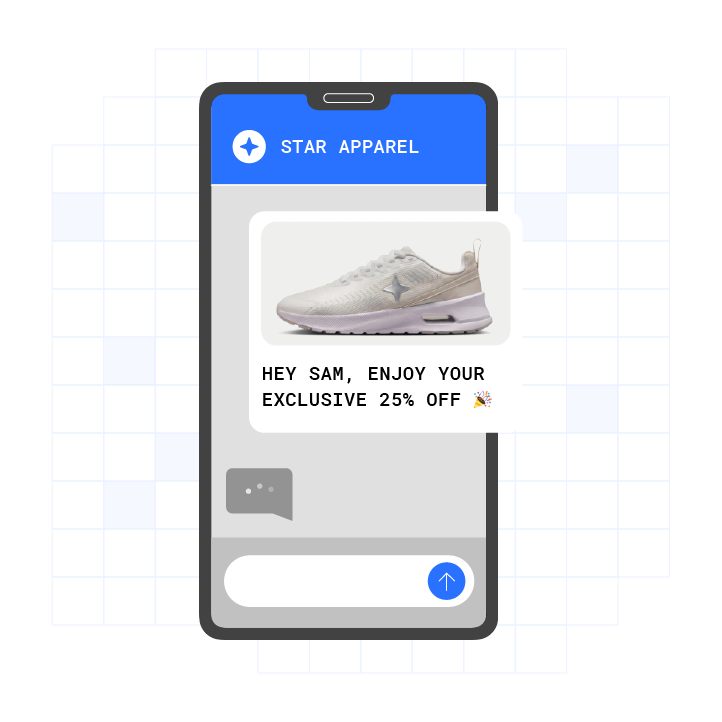
The provider decision is the commercial fork in the road. Plura owns its FCC-licensed audio bridging carrier and runs RCS on the same stateful conversation database as its AI voice agent, AI SMS, and AI webchat.2 Every channel shares the same memory of prior touchpoints, so routing and reporting stay consistent across voice, SMS, RCS, and webchat. For a side-by-side breakdown of how this compares to CPaaS, see Plura’s comparison page.
See how the carrier-owned stack works end to end in a live walkthrough.
2. Brand Verification And The RCS Business Agent
Once you have chosen a provider, the next step is brand verification. Brand verification is a prerequisite for launching an RCS Business agent and usually has the longest lead time. You supply your brand name, logo, use case, sender type, region, and billing category through your provider. Google RCS for Business and the carriers review the submission before your agent can launch, and for certain carriers a valid verification token issued by a Verification Authority is also required before the agent can go live.

Key facts about agent creation and verification:
- Google requires every RCS Business agent to have one of four predefined use cases: OTP, Transactional, Promotional, or Multi-use. The use case cannot be changed once the agent is submitted for launch.
- Agents can exist in only one of three regions: North America, Europe, and Asia Pacific. The region determines where the agent operates from and where it stores its data.
- Billing categories are “Conversational” (multi-turn conversations) and “Basic Message or Single Message” (one-way sends). The billing category can only be changed before launch.
- The agent ID, agent name, logo, and banner in an RCS agent’s profile must exactly match the data embedded in the verification token. A mismatch triggers a 400 error.
- Brand verification is a prerequisite for launching an RBM agent, and verification information must be submitted before making a launch request.
Google-managed RCS agent launches typically take one to three business days once all assets are complete and the brand representative responds to the approval email from rbm-support@google.com, according to Messente’s March 2026 RCS for Business guide.4 Carrier-managed launches in the U.S. can take significantly longer. Full U.S. coverage across Verizon, AT&T, and T-Mobile takes an estimated 6–12 weeks from initial registration to full go-live because each carrier reviews independently, per Sendblue’s 2026 setup guide.4
Common first-pass rejection reasons include logos with transparent backgrounds that do not render in dark mode, hero images containing text that violates Google’s content policies, and business names that do not match exactly across the website, Google Business Profile, and carrier records. Every round of corrections adds time to the review cycle, per Sureshot’s RCS verification guide.
For plans and rates that include agent setup and verification support, review Plura’s pricing page.
3. Defining Use Cases And Message Flows
Define your use cases and message flows using the documented RCS use-case categories and the interactive elements that distinguish RCS from SMS. Keep use cases specific. Sending message types that do not match the registered use case could result in agent suspension, per AWS End User Messaging documentation.
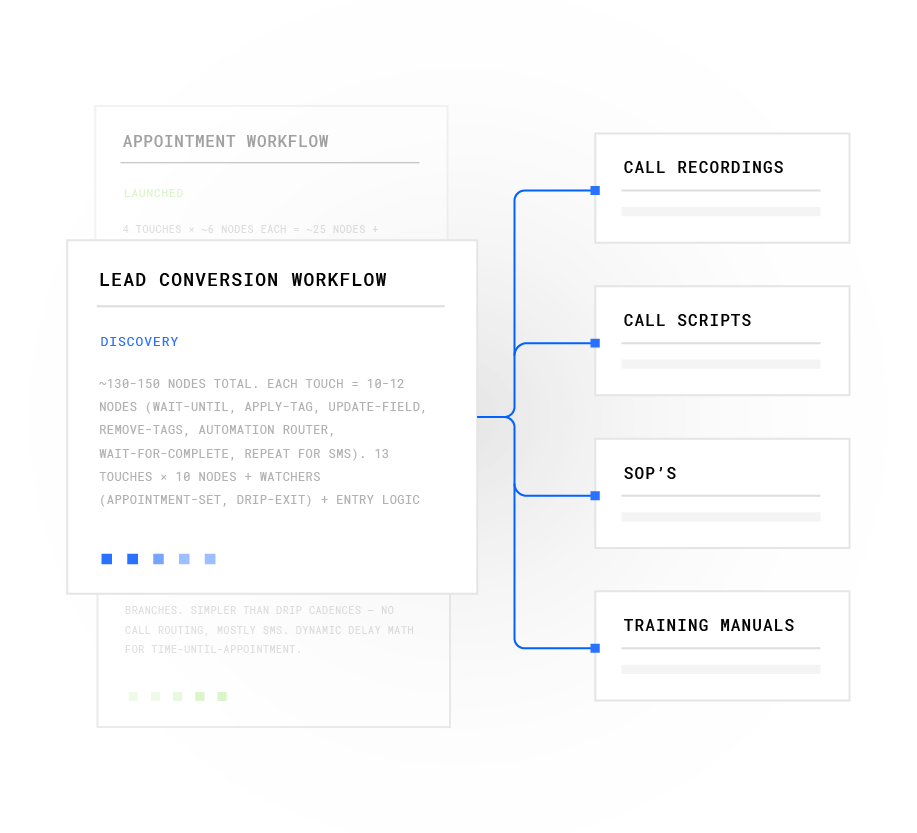
The four documented use-case categories are:
- OTP: One-time passwords required to securely authenticate an account or confirm a transaction.
- Transactional: Notifications, updates, or alerts directly relevant to a customer’s existing services or products, such as suspicious account activity alerts, purchase confirmations, and shipping notifications.
- Promotional: Sales, marketing, and promotional messages to new or existing customers aimed at increasing awareness, engagement, and sales.
- Multi-use: Conversations combining transactional and promotional messages, such as an account notification followed by a discount offer.
The interactive elements that distinguish RCS from SMS include:
- Rich cards: Rich cards combine media, text, and suggestions in a single element. Media should never be the only element in a rich card; suggested replies or suggested actions should always accompany a standalone rich card.
- Carousels: Carousels are horizontally scrollable arrays of 2–10 rich cards.
- Suggested replies and actions: Suggested replies and suggested actions have a maximum of 25 characters.
For automation and step-by-step workflow design, see Plura’s guides on managed workflows. These resources show how to turn use cases into repeatable, measurable journeys.
4. Configuring Fallback To SMS
Configure SMS fallback so contacts still receive messages when RCS is unavailable. Fallback is triggered by device conditions, carrier conditions, and network conditions. Without a fallback configuration, recipients who cannot receive RCS get nothing, per AWS End User Messaging documentation.
Device and carrier conditions that trigger fallback include:
- The recipient’s device does not support RCS
- The carrier has not enabled RCS on its network
- The recipient has turned off RCS chat features in their messaging app settings
- The device has no mobile data or Wi-Fi connection at send time
- The phone is switched off or out of network range
- The recipient is roaming on a network that does not support RCS
- The delivery timeout expires without a delivery confirmation
Critical fallback configuration rules from Google’s documentation:
- Send a capability check before starting a conversation with a user to verify whether the user’s device can receive RCS messages, and set up a fallback method of communication with another channel such as SMS if the user’s device is not RCS enabled.
- A system must confirm a message was not delivered before attempting a fallback to SMS, to avoid sending duplicate messages.
- Businesses should always attempt to revoke the original RCS message before sending the fallback SMS.
- A connection timeout should not be assumed to mean an RCS message was not delivered, because the message might still be processing on the server side.
- The message TTL should be set to match the connection timeout whenever possible.
Additional fallback constraints from AWS:
- SMS fallback MessageBody is limited to 1,600 characters, compared with 3,072 for the RCS text body. The fallback OriginationIdentity must be a phone number or sender ID registered in your account; pools and RCS agents are not accepted.
- Fallback content should be written separately because suggestion chips and rich cards do not translate to SMS.
MessageFlow distinguishes two separate mechanisms: “RCS SMS fallback” is a pre-send, pre-configured route where the platform runs a capability lookup against the contact list before a campaign sends and routes non-RCS-capable numbers directly to SMS; “RCS failover” is a real-time recovery layer that catches numbers which passed the initial lookup but failed RCS delivery at send time and reroutes that specific message to SMS/MMS upon receiving an “undelivered” status.
Watch fallback configuration in action on a carrier-owned platform.
5. iPhone Reach And Cross-Platform Behavior
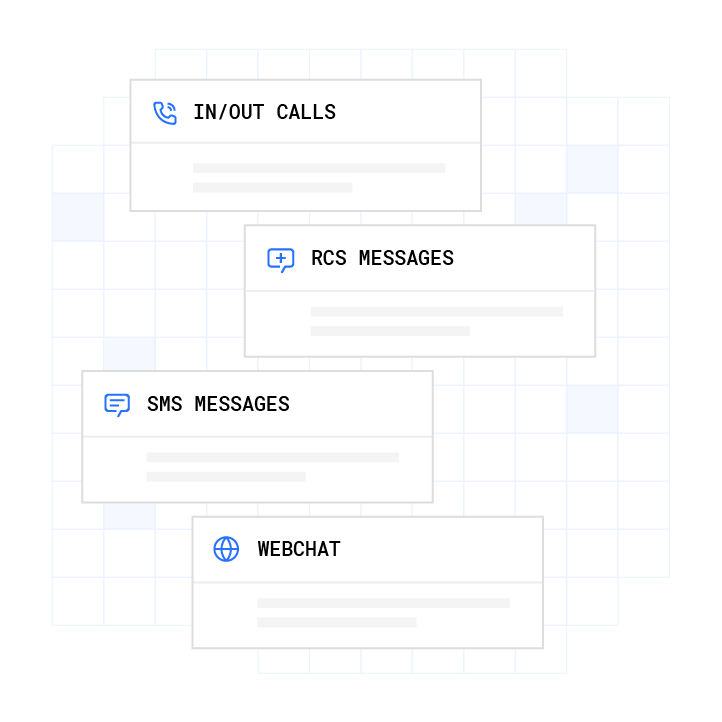
RCS Business Messaging can reach iPhone users, but feature support differs from Android. RCS Business Messaging reaches iPhone users running iOS 18 or later with a carrier that supports RCS. Apple requires iOS 18 and a text-messaging plan from a carrier that supports RCS on iPhone. As of early 2026, RBM-specific features such as rich cards, suggested actions, and carousels have limited rendering support on iPhone, while basic RCS features including read receipts, typing indicators, and high-resolution media work cross-platform since iOS 18.
Additional iOS RCS facts for 2026:
- RCS Business Messages can be turned on or off in iPhone settings.
- RCS messages appear in green text bubbles on iPhone.
- Starting with iOS 26.5, Apple made end-to-end encrypted RCS messaging available in beta in the Messages app with supported carriers.
- RCS for Business does not currently provide end-to-end encryption because Google needs access to message content for spam, phishing, and malware protection, though business messages are encrypted in transit.
- Apple supports RCS business messaging, allowing supported businesses to send alerts and transactional updates through the Messages app, and users can turn RCS Business Messages on or off separately in their messaging settings.
The practical implication for launch planning is straightforward. Test on both Android and iOS devices before going live, and design messages so the core call to action remains clear even without full rich card rendering on iPhone.
6. Testing And Launch
Run structured tests across carriers and devices before you go live. Google’s RCS for Business platform provides a testing sandbox that allows businesses to designate up to 20 test phone numbers to receive messages from their agent without requiring full carrier approval. To check RCS status on a test device, open the Messages app, tap Settings, tap “Chat features,” and confirm the Status value reads “Connected.”
Pre-launch testing checklist:
- Verify rich card rendering across different Android devices (Samsung, Pixel, OnePlus).
- Test suggested action deep links (URLs and phone dialer population).
- Confirm carousel scrolling behavior.
- Validate webhook integration for delivery receipts and user responses.
- Test the opt-out flow.
- Test on both Android and iOS devices.
- Run a test with RCS disabled to confirm the SMS fallback displays correctly.
- Confirm the logo and brand name display correctly.
- Confirm messages arrive as configured.
- Confirm interactive elements function as expected.
- Confirm RCS-to-SMS fallback activates when a recipient’s device does not support RCS.
For conversation intelligence and delivery analytics after launch, Plura surfaces RCS delivery rates, fallback percentages, and engagement metrics in one dashboard.
Why Do RCS Messages Fall Back To SMS?
RCS messages fall back to SMS when the recipient’s device or network cannot support RCS. The triggers include:
- The recipient’s device does not support RCS
- The carrier has not enabled RCS on its network
- The recipient has turned off RCS chat features
- The device has no mobile data or Wi-Fi connection at send time
- The phone is switched off or out of network range
- The recipient is roaming on a network that does not support RCS
- The delivery timeout expires without a delivery confirmation
MessageFlow’s RCS fallback guide distinguishes “RCS SMS fallback” (a pre-send, pre-configured route where the platform runs a capability lookup against the contact list before a campaign sends and routes non-RCS-capable numbers directly to SMS) from “RCS failover” (a real-time recovery layer that catches numbers which passed the initial lookup but failed RCS delivery at send time and reroutes that specific message to SMS/MMS upon receiving an “undelivered” status).
AWS End User Messaging triggers automatic SMS fallback in three scenarios: carrier-specific availability, device compatibility, and temporary connectivity. When RCS falls back to SMS due to lack of data connectivity or other availability reasons, AWS uses “sticky sending,” prioritizing the origination number that most recently delivered successfully to that destination and maintaining that preference for 24 hours before retrying RCS.
Why Is RCS Disabled By My Carrier?
Carrier configuration determines whether RCS for Business is available. RCS is disabled by your carrier when the carrier has not enabled RCS on its network, when the carrier does not support RCS for Business, or when the carrier has not signed an agreement with Google to use the Jibe platform or set up its own RCS stack integrating with Google’s RCS for Business ecosystem. Carriers supporting peer-to-peer RCS do not automatically support RCS for Business.
Why Is Google Messages Using SMS Instead Of RCS?
Google Messages uses SMS instead of RCS when RCS is unavailable on the device or network. The common triggers are:
- The recipient’s device does not support RCS
- The carrier has not enabled RCS
- The recipient has turned off RCS chat features in Google Messages settings
- The device has no data connection at send time
RCS availability depends on the device, carrier, and region, and Google Messages can fall back to SMS or MMS depending on the user’s settings and connection when RCS cannot be used.
The RCS for Business platform does not provide a direct way to manage user opt-out lists, so businesses are responsible for maintaining their own database of users who have unsubscribed or otherwise opted out. When a user unsubscribes in Google Messages, the agent receives an UNSUBSCRIBE webhook event, and a SUBSCRIBE event signals a user’s intent to re-engage with the agent.
Conclusion
RCS Business Messaging setup is a sequenced operational project, with brand verification and carrier-by-carrier fallback behavior driving most of the complexity. Public documentation often focuses on features and partner lists, while the practical launch blockers sit in verification details and delivery behavior.
Plura AI owns its FCC-licensed carrier stack and runs RCS on the same stateful conversation database as its AI voice agent, AI SMS, and AI webchat. Operators avoid stitching together a CPaaS, a verification vendor, and a fallback layer. Plura’s AI RCS delivers branded, interactive messages with rich media, in-message documents (DocuSign, PandaDoc), in-message payments (Stripe), and personalized 30-second AI-rendered video inside the message thread, reaching over 2 billion devices.3
Compare plans and rates side by side.
Run your numbers through Plura’s ROI calculator.
See how a carrier-owned RCS platform consolidates setup and operations in one system.
1 Plura AI maintains SOC 2, HIPAA, ISO, and GDPR posture as part of its platform infrastructure. References to compliance frameworks in this article describe Plura’s platform capabilities and do not constitute a guarantee that any customer using Plura will themselves be compliant with applicable laws or standards. Customers remain solely responsible for their own regulatory obligations, certifications, consent management, recordkeeping, and the claims they make to their own end users. Consult qualified legal counsel for guidance specific to your use case.
2 This article describes regulatory frameworks at a general level and does not constitute legal advice. Laws and regulations vary by jurisdiction, change over time, and apply differently depending on facts and circumstances. Readers should consult qualified legal counsel before making compliance decisions.
3 Performance figures, customer outcomes, and industry statistics referenced in this article are drawn from cited third-party sources or Plura customer case studies. Individual results vary based on implementation, use case, industry, audience, and execution. Past or aggregate performance is not a guarantee of future results.
4 References to third-party products, services, companies, or research are made for informational and comparative purposes only. Plura AI is not affiliated with, endorsed by, or sponsored by any third party named in this article unless explicitly stated. Trademarks and product names referenced remain the property of their respective owners.
This article is provided for informational purposes only and reflects Plura AI’s understanding at the time of publication. Product capabilities, integrations, and specifications are subject to change. For the most current information, visit plura.ai.
This article was produced with the assistance of AI tools and reviewed by Plura AI prior to publication.