

Written by: Matt Beucler, CEO, Plura AI
Key Takeaways
- A Zapier AI lead follow-up is a three-stage workflow that captures leads, uses AI to draft personalized messages, and delivers them via email or CRM.
- Building the sequence requires mapping trigger fields, adding deduplication filters, configuring AI steps, and inserting delay steps for multi-touch cadences.
- At 500 leads per month, a three-touch sequence using the Advanced AI tier consumes 3,000 tasks. This volume exceeds base Zapier plan limits and requires higher-tier pricing.
- Zapier sequences often break at scale because of deduplication failures, unreliable reply detection, CRM sync conflicts, and rapidly escalating task costs above 5,000 leads per month.
- When leads need a phone call, Zapier cannot hold conversations, so see how Plura AI voice agents and 24/7 call answering close that gap.
How to Set Up a Zapier AI Lead Follow Up
This section walks through a working three-touch sequence. Each step maps to a specific Zapier app and configuration choice.
- Choose the Trigger App. Select Facebook Lead Ads for paid social campaigns, Typeform for high-intent application forms, or Google Forms for simple data collection. The trigger fires every time a new lead submits the form and does not consume tasks.
- Map the Trigger Fields. Map name, email, phone, and any open-text form answers such as “What is your budget?” or “What problem are you solving?” Passing more unstructured text to the AI step improves personalization quality.
- Add a Filter or Paths Step to Dedupe. Before the AI step runs, add a Filter by Zapier step that performs a HubSpot “Find Contact” lookup on the incoming email address. This matters because triggers can fire twice for the same event, which creates multiple executions with the same payload. If you skip this check, the workflow sends duplicate emails to the same lead. If the contact already exists, stop the Zap or route it to a separate path. Filter steps do not consume tasks, so this safeguard is free from a task-cost perspective.
- Add the AI Step. Use OpenAI (ChatGPT) or Zapier’s native AI by Zapier action. A working prompt: “Draft a 3-sentence follow-up email to [Name] who just filled out a form asking about [Form Answer]. Be helpful, not pushy.” OpenAI works well for simple drafting. Zapier Agents is the better choice when the workflow needs web browsing or internal knowledge sources. As of June 15, 2026, AI by Zapier steps use model tiers: Advanced at a 3x task multiplier per run and Premium at 5x. Zapier’s documentation conflicts on which tier is the default for new steps, so verify the default in-product before estimating costs.
- Send to the Destination. Use Gmail “Send Email” for direct delivery or HubSpot “Create or Update Contact” for CRM logging. Map the AI output field to the email body. Each send action consumes one task.
- Add Delay Steps for Touches Two and Three. Insert a Delay by Zapier step after the first send. Set the delay to match your chosen cadence, which the next section covers. Delay steps do not consume tasks. Add a second AI step and send action for each additional touch.
- Add a Reply-Detection Stop Condition. Zapier’s Gmail “New Email” trigger cannot natively detect replies within a thread, so you must build a separate Zap that triggers on “New Email Matching Search” in Gmail and updates the HubSpot contact to stop the sequence. Users report that Gmail’s search functionality and search operators in Zapier can be unreliable, so this workaround may not always function as expected. In the main follow-up Zap, use a Filter or Paths step to check the contact’s reply status before each subsequent send. If a reply is detected, stop the Zap and alert a human.
What a Zapier AI Lead Follow Up Costs at 500 Leads a Month
Zapier prices AI by Zapier steps by model tier: Standard at 1x tasks per run, Advanced at 3x, and Premium at 5x, with tool calls adding to that base at the same rate. The trigger step is always free. Built-in tools including Filter, Paths, Formatter, and Delay do not consume tasks. Every real action step consumes one task.
The table below breaks down task consumption per lead. The key takeaway is that a single three-touch sequence consumes 6 tasks per lead, so 500 leads generate 3,000 tasks and exceed both base Zapier plan limits.
| Step | Tasks Per Lead |
|---|---|
| Trigger (Facebook Lead Ads) | 0 (triggers are free) |
| Filter (dedupe check) | 0 (built-in tools are free) |
| AI Step (Advanced tier, 3x) | 3 |
| Send Email (Touch 1) | 1 |
| Delay (3 days) | 0 |
| Send Email (Touch 2) | 1 |
| Delay (7 days) | 0 |
| Send Email (Touch 3) | 1 |
| Total per lead | 6 tasks |
| Total for 500 leads/month | 3,000 tasks |
Zapier’s Professional plan starts at $29.99/month billed monthly for 750 tasks, and the Team plan starts at $103.50/month billed monthly for 2,000 tasks. At 3,000 tasks, this sequence exceeds both base tiers. You will need a higher task tier on Professional or an upgrade to Team with a higher task add-on. Zapier Zaps pause entirely when an account reaches 3x its subscription task limit.
If your AI step defaults to the Premium tier (5x) instead of Advanced, the AI step alone consumes 5 tasks per lead, which pushes the total to 7 tasks per lead and 3,500 tasks for 500 leads. Verify the current default tier in-product before estimating production costs, as Zapier’s documentation notes the default can vary.
Cadence Rules as Zap Delay Steps
The task math above assumes a three-touch sequence, and how you space those touches matters as much as how many you send. Sales cadence research translates directly into Zapier Delay step configurations. The two most cited frameworks are the 3 Email Rule and the 2-2-2 Rule.
The 3 Email Rule is a cadence strategy where you send an initial email followed by two follow-ups. Waiting 3 days before the first follow-up boosts responses by 31% compared to following up sooner3, and a 3-day gap paired with a 7-day subsequent gap achieves a 40% higher response rate than following up every 7 days uniformly3. In Zapier, this is built as: Send Email (Touch 1) → Delay 3 days → Send Email (Touch 2) → Delay 7 days → Send Email (Touch 3).
The 2-2-2 Rule is a cadence strategy covering 2 emails, 2 calls, and 2 texts. In Zapier, the email portion is: Send Email → Delay 2 days → Send Email → Delay 2 days → Handoff to Voice/SMS. The calls and texts require a separate tool or a manual handoff, which the next section covers.
How Many Times Should You Follow Up on a Sales Lead?
Most B2B cadences perform best in the 4-8 touch range spread across 17-21 days. For a Zapier-only sequence, 3 email steps with 2 delay steps is the practical ceiling before task costs and reply-detection complexity make a dedicated platform more efficient.
How Soon Is Too Soon for a Follow-Up? Next-day follow-ups reduce replies by 11%, while waiting 3 days increases replies by 31%3. Set your first Delay step to 3 days.
What Breaks at Scale
The 500-lead scenario above is manageable, but the same sequence behaves differently as volume grows. Four failure modes appear consistently in Zapier AI lead follow-up sequences at scale.
Dedupe Failures. Triggers can fire twice for the same event, creating multiple executions with the same payload. The fix is a Filter step that checks for an existing CRM record before the AI step runs. When you build that check, use email address as the deduplication key rather than name, since names are not unique. After launching a new Zap, monitor the HubSpot contacts view for duplicates in the first 48 hours, which is when most dedupe failures surface.
Reply Detection. Zapier has no native trigger that fires specifically on an inbound reply within an existing email thread. Its Gmail “New Email” trigger only fires on the first message of a thread. The “New Labeled Email” trigger fires when a reply is added to a labeled conversation. You must build a separate Zap that triggers on “New Email Matching Search” in Gmail and updates the CRM to stop the sequence. Without this, the sequence fires all three touches regardless of whether the lead has already responded.
CRM Sync Conflicts. When two separate Zap workflows update the same contact record simultaneously, Zapier’s independent one-way Zaps can produce race conditions and arbitrary last-write-wins behavior with no built-in conflict resolution. A lead arriving from Facebook Lead Ads and a separate re-engagement Zap can overwrite each other’s field updates, which produces stale owner assignments and broken sequence enrollment.
Cost at Volume. At 500 leads per month, 3,000 tasks is manageable on a higher Professional tier. At 5,000 leads per month, the same sequence generates 30,000 tasks per month. Real Zapier teams typically land between $50 and $200 per month once multi-step Zaps and task overages are factored in. At 5,000 or more leads per month, the task cost often exceeds the cost of a dedicated AI SDR platform that handles email, SMS, and voice in a single workflow.
When the Lead Needs a Phone Call
A Zapier Zap can trigger an outbound call or an SMS notification, but it cannot hold the conversation. That is the structural limit of task-based automation for lead follow-up.
Seventy percent of sales teams need three or more call attempts just to get a lead on the phone, and in insurance that figure climbs to nearly 90%. Email sequences do not solve this. When a lead fills out a form and wants to talk, the window is short. Leads contacted within 1 minute are 391% more likely to convert than those contacted after 24 hours3.
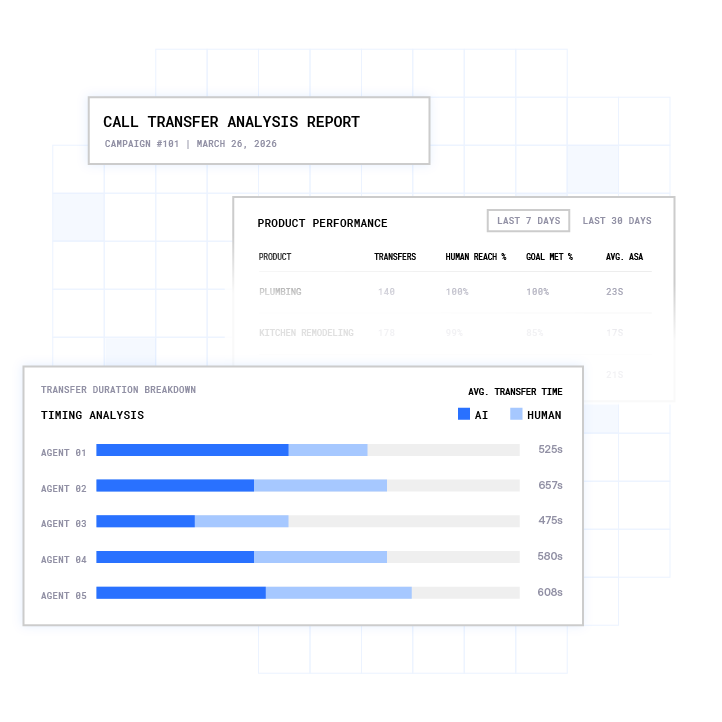
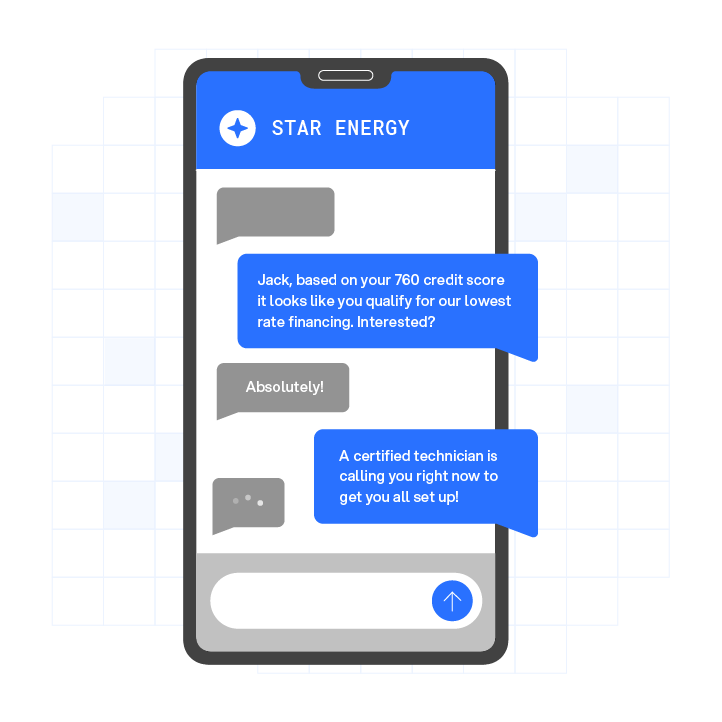
This is where Plura AI enters the workflow. Plura’s AI voice agent answers and dials in under 5 seconds, with 24/7 call answering on Plura’s own FCC-licensed audio bridging carrier. Plura’s AI SMS agents text every lead in seconds, qualify them through a real two-way conversation, then call and live-transfer a warm buyer directly to a rep. That is the speed to lead gap that email-only Zapier sequences cannot close.
Plura runs on 100% U.S. infrastructure and owns its FCC-licensed carrier stack, so branded caller ID and real-time DNC scrubbing happen inside the platform before dial. These are Plura platform capabilities, not third-party add-ons. Every outbound contact is checked against federal and state DNC registries in real time.1,2 TCPA consent records are timestamped and immutable.1,2 Businesses considering automated voice and SMS outreach should consult the relevant regulations and qualified counsel to understand their own obligations.2

Plura enables lead response times under 60 seconds across voice, SMS, RCS, and webchat, with real-time AI lead scoring and 7 to 12 follow-up touches across channels. As one Marketing Director put it: “We went from spending 60% of our time trying to contact leads to spending 90% of our time closing them. AI handles the first 5 to 7 touches and only passes us prospects who are actually ready to talk.”3
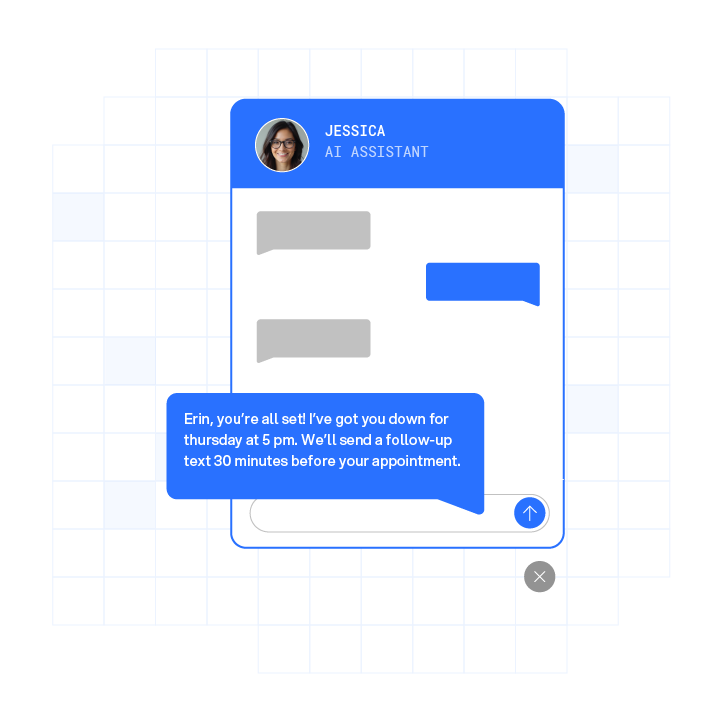
See how Plura’s AI voice agents handle the calls Zapier cannot.
Is There Anything Better Than Zapier?
Zapier is the right tool for email-based lead follow-up when your volume fits within a paid plan’s task limits and your leads are comfortable communicating by email. It connects over 8,000 apps, supports conditional logic through Filters and Paths, and the AI by Zapier step handles text drafting and lead scoring without requiring a separate API account.
The limitations appear at two thresholds. First, task costs can exceed the value of the workflow, typically above 5,000 leads per month on a three-touch AI sequence. Alternatives such as Make start at $9 per month for 10,000 operations, and n8n Cloud starts at $20 per month for 2,500 executions, both of which price more favorably at high volume4. Second, when the lead needs a phone call, no task-based automation platform holds a voice conversation, qualifies a buyer in real time, and live-transfers them to a rep.
For teams whose leads convert through conversation rather than email clicks, a dedicated AI SDR platform handles the full sequence. Email, SMS, and voice run in a single stateful workflow with shared memory across every channel. Compare Plura AI plans and rates to see where the economics shift. For a full side-by-side breakdown, compare Plura against Zapier and other platforms.
The Bottom Line on Zapier AI Lead Follow Up
A Zapier AI lead follow-up sequence is a practical starting point for marketing and revenue teams that need to automate email outreach from Facebook Lead Ads, Typeform, or Google Forms. The build is straightforward, the task math is predictable at 500 leads per month, and the cadence rules translate directly into Delay steps.
The limits are equally clear. Dedupe requires a separate Filter step and a CRM lookup on every run, while reply detection requires a second Zap. Task costs scale with every AI step and every send action. Most critically, when a lead wants to talk on the phone, the sequence stops being useful.
Plura’s AI voice agent and AI SMS platform pick up exactly where email automation leaves off. Contacting a lead within 5 minutes makes them up to 100x more likely to connect3, and Plura’s agents respond in under 5 seconds across every channel, 24/7, on U.S. infrastructure Plura owns and operates.
Talk with Plura about turning every qualified lead into a live conversation worth closing.
1 Plura AI maintains SOC 2, HIPAA, ISO, and GDPR posture as part of its platform infrastructure. References to compliance frameworks in this article describe Plura’s platform capabilities and do not constitute a guarantee that any customer using Plura will themselves be compliant with applicable laws or standards. Customers remain solely responsible for their own regulatory obligations, certifications, consent management, recordkeeping, and the claims they make to their own end users. Consult qualified legal counsel for guidance specific to your use case.
2 This article describes regulatory frameworks at a general level and does not constitute legal advice. Laws and regulations vary by jurisdiction, change over time, and apply differently depending on facts and circumstances. Readers should consult qualified legal counsel before making compliance decisions.
3 Performance figures, customer outcomes, and industry statistics referenced in this article are drawn from cited third-party sources or Plura customer case studies. Individual results vary based on implementation, use case, industry, audience, and execution. Past or aggregate performance is not a guarantee of future results.
4 References to third-party products, services, companies, or research are made for informational and comparative purposes only. Plura AI is not affiliated with, endorsed by, or sponsored by any third party named in this article unless explicitly stated. Trademarks and product names referenced remain the property of their respective owners.
This article is provided for informational purposes only and reflects Plura AI’s understanding at the time of publication. Product capabilities, integrations, and specifications are subject to change. For the most current information, visit plura.ai.
This article was produced with the assistance of AI tools and reviewed by Plura AI prior to publication.