
Written by: Matt Beucler, CEO, Plura AI
Key Takeaways
- Effective after-hours scripts identify the business, confirm closure, state hours, set a specific callback expectation, and provide a real emergency path so callers are not left hanging.
- Every script must commit to a booked slot, dispatch, or named callback time, backed by an operational rule that the business can staff.
- Scripts are organized by caller intent: emergency triage, booking requests, status questions, complaints, and wrong-number calls so the next step stays clear.
- Static recordings fall short because they cannot triage, capture structured details, escalate in real time, or book directly into calendars the way live AI voice agents can.
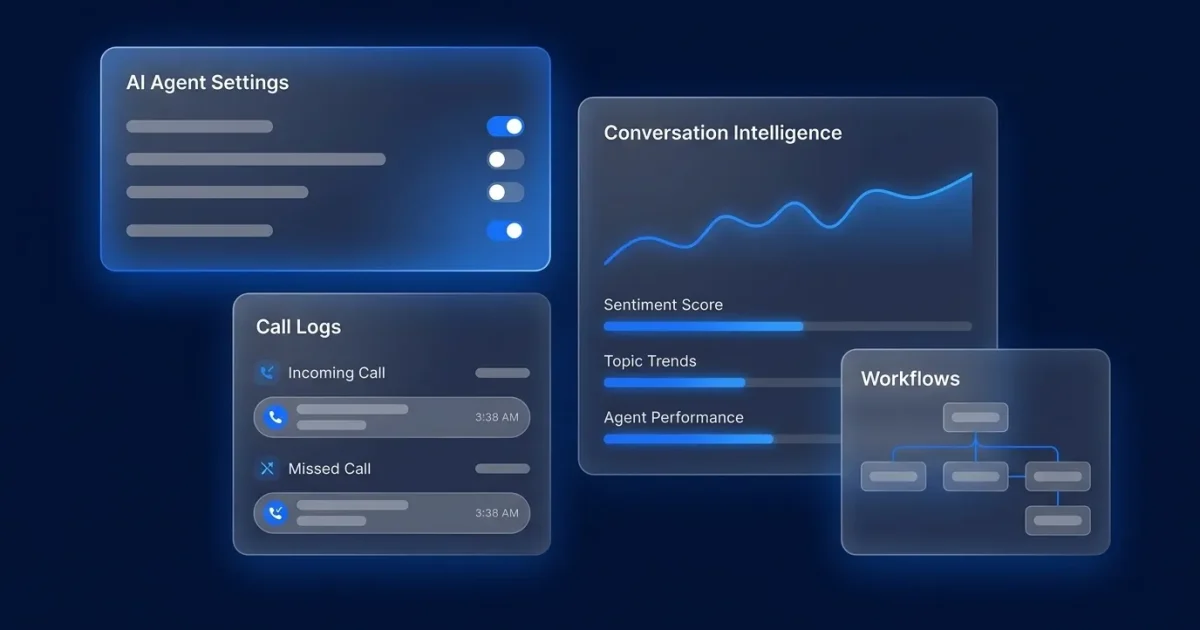
- Plura AI delivers the operational backbone that makes these scripts work: AI voice agents answer, qualify, and book 24/7. Book a live demo today.
What Makes a Strong After-Hours Phone Message
A strong after-hours script identifies the business and confirms it is closed, states the hours, sets a specific callback expectation the business can keep, and gives a real emergency instruction. It ends with a clear commitment. Every script commits to a booked slot, a dispatch, or a callback with a named time.
Every after-hours script needs four components to be effective. First, identify the company and confirm it is closed so callers know they reached the right place. Next, state the hours, including the time zone for multi-state businesses. Then, set a specific callback expectation that the business can staff. Finally, provide an emergency instruction with a real path, not a placeholder.
Dapta’s 2026 after-hours script guidance frames the same structure: identify and reassure, triage, capture the minimum, and commit to a next step. The emergency triage question must come before any other detail is collected, because that single question decides everything downstream. With that principle in mind, the following scripts show how to handle emergency calls after hours.
Emergency Triage Scripts
Emergency scripts require an operational rule behind every promise. For example, OnCrew’s 2026 emergency call routing guide sets the working standard: an on-call tech should respond to a paged emergency within 5 minutes of the page hitting their phone for HVAC, plumbing, and electrical emergencies. If that coverage does not exist tonight, the script must give a different expectation.
TCPA quiet-hours rules apply to outbound callback and SMS follow-up.1 The federal window under 47 C.F.R. § 64.1200(c)(1) is 8:00 AM to 9:00 PM in the called party’s local time.1 Several states impose narrower windows. Consult the regulation or qualified counsel for your specific situation.

Script 1: Home Services Emergency Triage
Use when: A caller reports active damage or a safety issue after hours.
“Thank you for calling [Business Name]. Our office is closed. If you have a gas smell, active flooding, sparking, or no heat below freezing, press 1 now and I will connect you to the on-call technician. For everything else, leave your name, number, and a brief description and we will call you back by [time] tomorrow.”
Operational rule: Press 1 must reach a named on-call technician, not a second voicemail. If no one is on call tonight, remove the option.
Script 2: Medical Emergency Redirect
Use when: A patient calls a practice after hours with a symptom concern.
“You have reached [Practice Name]. If this is a life-threatening emergency, hang up and call 911 now. If you need the on-call provider for an urgent concern, stay on the line and I will connect you. For appointments and refills, leave your name, date of birth, and callback number.”
Operational rule: The 911 instruction comes first, before any intake question. The on-call provider must be reachable through the number the script names. Linear Health’s August 2026 guide states this rule as a consistent standard across after-hours models.
Script 3: Legal Intake Emergency
Use when: A caller reports an arrest, a deadline, or an active emergency.
“Thank you for calling [Firm Name]. Our office is closed. If you have a court date or deadline within 24 hours, press 1 to reach the on-call attorney. Otherwise, leave your name, number, and a brief description of your matter and we will return your call the next business day.”
Operational rule: “Within 24 hours” must map to a real attorney who has agreed to take those calls. Leaving a message does not create an attorney-client relationship.
TCPA quiet-hours rules vary by state.1 Businesses sending after-hours SMS follow-ups should consult the regulation or qualified counsel regarding applicable calling and texting windows before configuring any automated outreach.2
Booking and Scheduling Scripts
Booking scripts capture enough detail to confirm the appointment the next morning. The fields to collect are name, callback number, service address or appointment type, preferred window, and an urgency flag. Dapta’s 2026 after-hours script guidance identifies the booking offer with two specific times as a high-value after-hours script format, because offering two slots turns a message into an appointment on the same call.
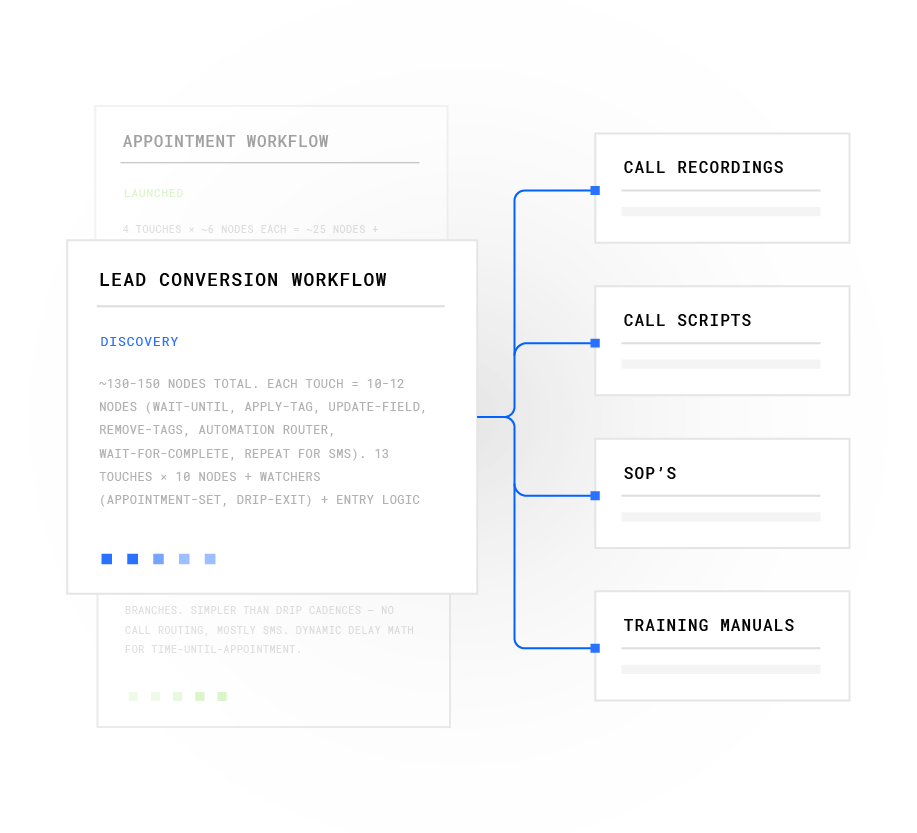
Plura’s after-hours booking and after-hours call answering capabilities book directly into the calendar rather than capturing a message for next-morning follow-up.
Script 4: Booking Offer With Two Times
Use when: A caller wants to schedule service and the calendar can hold a slot.
“Thanks for calling [Business Name]. We are closed now and reopen at [time] tomorrow. I can book you for [Day] at [Time A] or [Day] at [Time B]. Which works better? I will need your name, callback number, and service address.”
Operational rule: The two times offered must exist on the calendar. A booking offer the schedule cannot honor creates more damage than a simple message.
Script 5: Appointment Request Capture
Use when: The system cannot book directly and must queue the request.
“Thanks for calling [Business Name]. We are closed for the evening. Leave your name, callback number, the service you need, and your preferred days or times. Our scheduling team reviews requests starting at [time] tomorrow. A request is not confirmed until our team confirms it.”
Operational rule: “Starting at [time]” must be a real review window with a named owner. The script must not imply the request is booked.
Script 6: Reschedule or Cancel
Use when: An existing customer needs to change an appointment.
“You have reached [Business Name]. To reschedule or cancel an appointment, leave your name, the appointment date, and whether you would like to confirm, change, or cancel. We will confirm your new time by [time] tomorrow.”
Operational rule: The confirmation window must be staffed. A reschedule request that sits unconfirmed often becomes a no-show. For healthcare practices, Plura supports up to 40% improvement in no-shows.3
Status Question, Complaint, and Wrong-Number Scripts
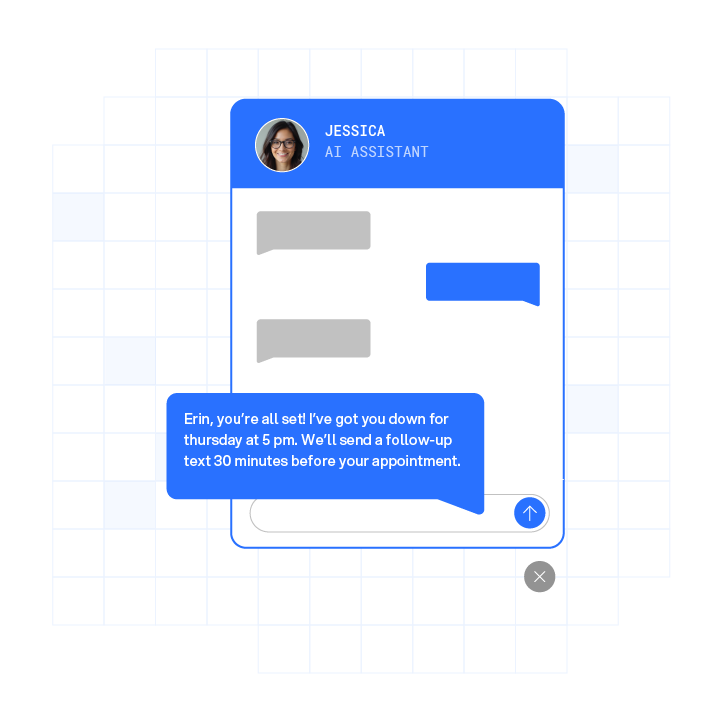
After-hours callers often want a status update, need to share a complaint, or have reached the wrong number. These scripts handle those scenarios and protect the team’s time.
Script 7: Order or Job Status
Use when: A caller wants to know where their order or service call stands.
“Thanks for calling [Business Name]. Our office is closed. Leave your name, callback number, and the order or job reference number if you have it, and we will call you back with a status update by [time] tomorrow. Please do not leave payment details in this message.”
Why this works: It captures the reference number so the callback is a status answer, not a second intake. What to watch: Never confirm a status from caller ID alone.
Script 8: Complaint Intake
Use when: A caller is upset about completed work, billing, or a missed appointment.
“Thank you for calling [Business Name]. I am sorry you are dealing with this. Leave your name, callback number, and a brief description of what happened. Our manager reviews complaints starting at [time] tomorrow and will call you back personally.”
Why this works: It acknowledges the issue without admitting fault and routes to a named owner. What to watch: “Personally” must mean a manager, not the front desk.
Script 9: Wrong Number / Non-Customer
Use when: The caller has reached the wrong business.
“You have reached [Business Name]. It sounds like you may have the wrong number. If you are trying to reach [likely business type], you may want to check the number and try again. If you do need us, leave your name and number and we will call you back.”
Why this works: It ends the call cleanly without burning a callback slot. What to watch: Avoid collecting details from a caller who is not a customer.
Industry-Specific After-Hours Script Examples
These four scripts adapt the intent-based templates above to the specific compliance and operational needs of each vertical. The medical script prioritizes a 911 redirect. The legal script includes a disclaimer about attorney-client relationships. Home services and property management scripts focus on clear emergency criteria and on-call coverage.
Script 10: Home Services (HVAC)
“Thanks for calling [Business Name]. We are closed. If you have no heat, a gas smell, or water leaking from your system, press 1 for the on-call technician. For quotes and routine service, leave your name, number, service address, and a brief description, and we will call you back by [time] tomorrow.”
Script 11: Medical / Dental
“You have reached [Practice Name]. If this is a medical emergency, hang up and call 911. For urgent concerns, stay on the line for the on-call provider. For appointments and refills, leave your name, date of birth, and callback number, and we will return your call the next business day.”
For healthcare practices, Plura supports up to 40% improvement in no-shows, as mentioned earlier.3
Script 12: Legal
“Thank you for calling [Firm Name]. Our office is closed. If you have a deadline or court date within 24 hours, press 1 for the on-call attorney. Otherwise, leave your name, number, and the general type of matter. Please do not include confidential details in this message. Leaving a message does not create an attorney-client relationship.”
Script 13: Property Management
“Thanks for calling [Property Name] management. Our office is closed. For emergencies like no heat, no water, flooding, or a lockout, press 1 for the on-call maintenance line. For routine requests, leave your name, unit number, callback number, and a brief description, and we will respond by [time] tomorrow.”
The Honesty Problem: Scripts and Operational Reality
Scripts that promise callbacks the business cannot deliver often damage trust more than having no script. SkipCalls’ operational rule is direct: if the team cannot meet the stated response time, the script should give a more realistic expectation.4 False reassurance erodes trust. Comms Advisor’s 2026 voicemail checklist adds that a greeting should be updated whenever hours, closure dates, coverage, or the callback promise changes.4
Every promise in a script requires an operational rule behind it:
- “We will call you back within one hour” requires someone assigned to watch the queue for that hour.
- “First thing tomorrow” requires a defined time and a named person who owns the queue.
- “The on-call technician will call you” requires the technician to be on rotation tonight and reachable at the number the script names.
- “We will confirm your new time” requires a staffed scheduling process, not a message pile.
EZO’s escalation procedure guide specifies that a workable escalation procedure requires four elements: clear criteria for what counts as urgent, an ordered list of who gets contacted, defined retry intervals if someone does not answer, and a record of what happened.4 Without all four, an answering service either escalates too much or misses calls that genuinely needed a person. These operational gaps are compounded when the after-hours system is a static recording, which cannot adapt to caller intent.
What a Static Recording Cannot Do
A static recording answers the phone but cannot triage by caller intent, capture structured details into a usable format, escalate in real time, or commit to a callback window backed by a live queue. The gap between what the script promises and what the operation can deliver is where callers are lost.
| Capability | Static Recording | Live Answering Service | Plura AI Voice Agent |
|---|---|---|---|
| Answers on first ring | No | Varies by queue | Yes |
| Triages by caller intent | No | Script-dependent | Yes |
| Captures structured details | No | Free-text messages | Yes |
| Books directly into calendar | No | Rarely | Yes |
| Live-transfers with context | No | Sometimes | Yes |
Linear Health’s August 2026 guide states that an AI voice agent is the only after-hours option that both answers around the clock and completes scheduling.4 It also routes emergencies, pages on-call clinicians, and documents every call automatically. Staffingly’s published guidance notes that liability for a delayed after-hours call lands on the practice, not the answering service, because the service is paid to take messages rather than triage.4
Plura’s AI voice agents answer every call on the first ring, triage by intent, capture structured details, and live-transfer the hard ones to a U.S. agent with full context. For SMS follow-up, Plura’s AI SMS operates on 10DLC-registered numbers with TCPA compliance support and DNC compliance built into the platform.1 Consult qualified counsel regarding your specific SMS consent and registration obligations.
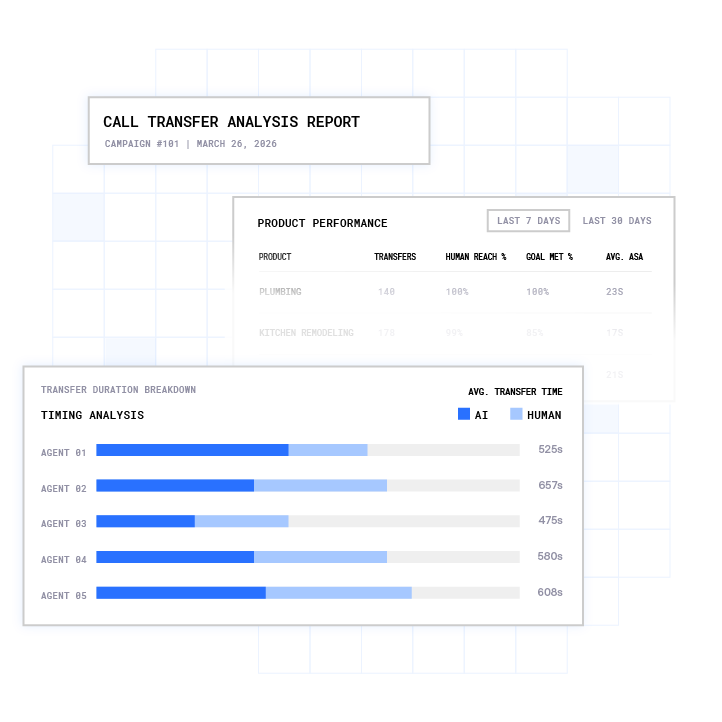
See how Plura’s AI voice agents handle after-hours calls.
Frequently Asked Questions
What Makes a Good After-Hours Script?
A good after-hours script follows the four components outlined earlier: identify the business and closed status, state hours, set a specific callback expectation, and provide a real emergency path. The emergency instruction must name a monitored number, a 911 redirect, or a staffed on-call line.
What Is a Good Business Voicemail Greeting That Includes the Business Hours?
State the business name first, then the exact hours including time zone, then what to leave, then the callback window. A working example: “Thanks for calling [Business Name]. Our office is closed. We are open Monday to Friday, 9am to 5pm Eastern. Leave your name, number, and a brief reason for calling, and we will return your call by [time] tomorrow.” The callback window must be a time the team can staff. “First thing tomorrow” is only honest if someone reviews the queue before the first customer-facing call of the day.
What Is a Good Out-of-Office Voicemail Script?
Keep it under 30 seconds and answer three questions: did I reach the right business, what should I leave, and when will someone respond. A working example: “You have reached [Business Name]. We are currently closed and will reopen [day] at [time]. Leave your name, number, and a brief message, and we will call you back within [window].” The window must be a real staffed commitment. If the team cannot meet a one-hour window, the script should state the actual window.
What Is a Good Professional Voicemail Greeting?
Name the business clearly and early, state why no one is available, give a clear next step, and promise only a callback window you can meet. Test the greeting by calling the live number after publishing it. A correct recording fails if callers hear an old personal greeting when the line forwards to a mobile phone. Update the greeting whenever hours, coverage, or the callback promise changes.
Can an AI Voice Agent Handle After-Hours Emergency Triage?
An AI voice agent can handle after-hours emergency triage when configured with strict routing rules. Emergency language triggers immediate escalation. Urgent clinical or safety calls page the on-call contact or transfer to a triage line. Every call is documented automatically with a transcript and structured outcome. The agent should not attempt clinical assessment or legal advice. The escalation path must be tested before go-live by calling after hours, describing an urgent situation, and verifying how long it takes to reach the right endpoint.
Conclusion
A static recording answers the phone but cannot triage by intent, capture structured details, or escalate in real time. The script is only as honest as the operation behind it. Every promise in an after-hours script requires a named owner, a staffed window, and a real escalation path.
Plura AI is the platform that makes after-hours promises operationally grounded. Its AI voice agents answer every call on the first ring, triage by caller intent, capture structured details, and live-transfer or book without a static recording’s limits. Its after-hours call answering covers home services, healthcare, legal, and property management with the same triage logic this script library describes.
Run your numbers through Plura’s ROI calculator to check your savings in real time.3
1 Plura AI maintains SOC 2, HIPAA, ISO, and GDPR posture as part of its platform infrastructure. References to compliance frameworks in this article describe Plura’s platform capabilities and do not constitute a guarantee that any customer using Plura will themselves be compliant with applicable laws or standards. Customers remain solely responsible for their own regulatory obligations, certifications, consent management, recordkeeping, and the claims they make to their own end users. Consult qualified legal counsel for guidance specific to your use case.
2 This article describes regulatory frameworks at a general level and does not constitute legal advice. Laws and regulations vary by jurisdiction, change over time, and apply differently depending on facts and circumstances. Readers should consult qualified legal counsel before making compliance decisions.
3 Performance figures, customer outcomes, and industry statistics referenced in this article are drawn from cited third-party sources or Plura customer case studies. Individual results vary based on implementation, use case, industry, audience, and execution. Past or aggregate performance is not a guarantee of future results.
4 References to third-party products, services, companies, or research are made for informational and comparative purposes only. Plura AI is not affiliated with, endorsed by, or sponsored by any third party named in this article unless explicitly stated. Trademarks and product names referenced remain the property of their respective owners.
This article is provided for informational purposes only and reflects Plura AI’s understanding at the time of publication. Product capabilities, integrations, and specifications are subject to change. For the most current information, visit plura.ai.
This article was produced with the assistance of AI tools and reviewed by Plura AI prior to publication.